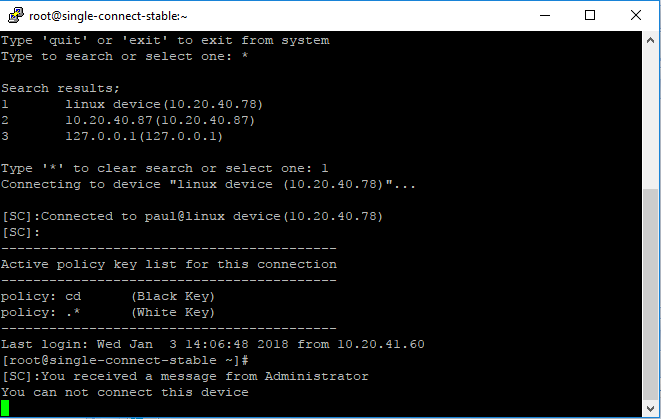
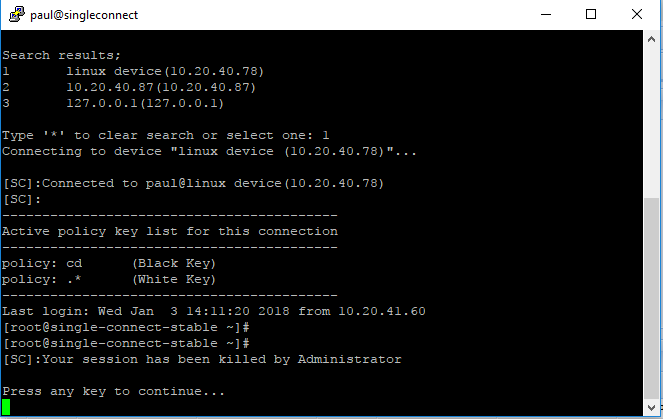
3.1 SSH/Telnet Proxy
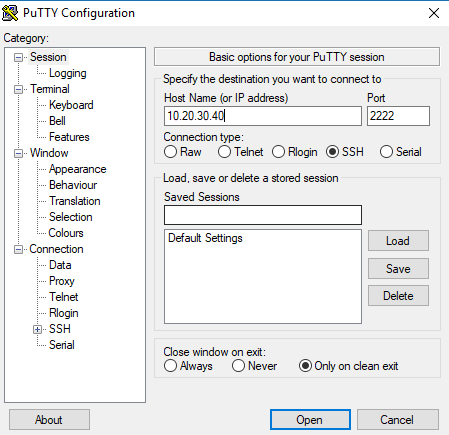
Users can use their own ssh clients to connect to Single Connect SSH/Telnet Proxy. To connect Single Connect SSH/Telnet Proxy type Single connect IP address as host IP address and 2222 as connection port.
Note |
|---|
2222 is default SSH/Telnet Proxy Port. Port number can be changed by system administrator. |
Upon successful connection, the user is directed to the Single Connect SSH/Telnet Proxy interface.
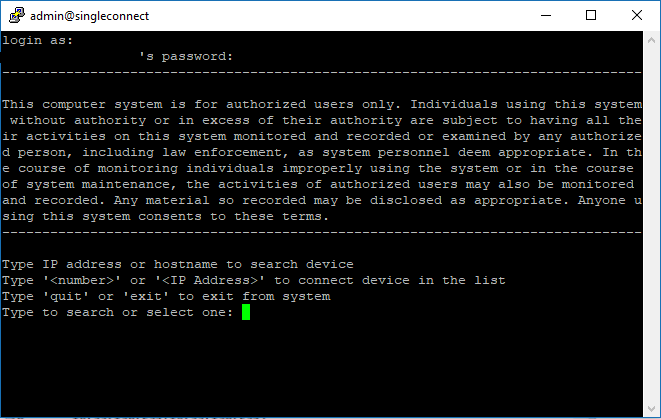
In this interface, the user is presented with a list of devices which the user is allowed access to.
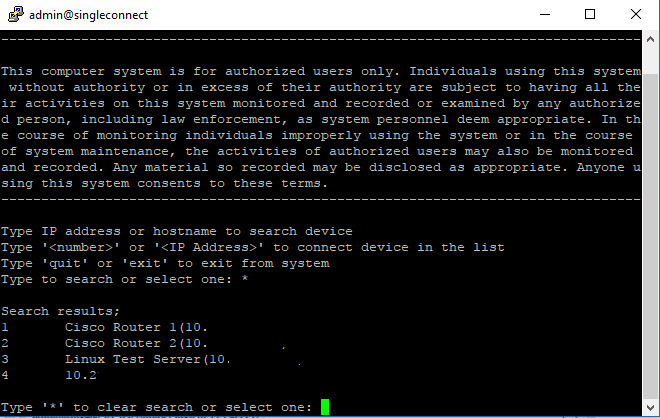
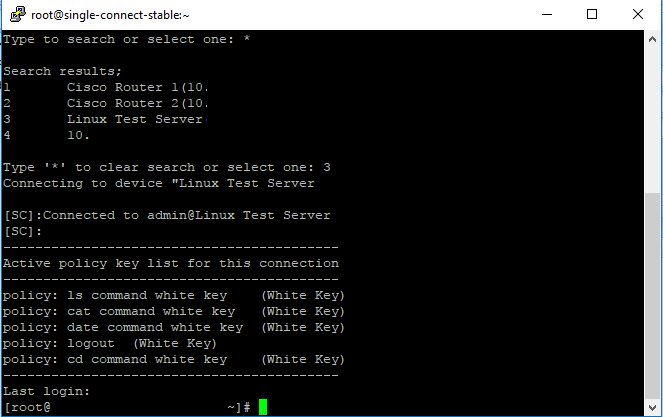
Each device on the list has an ID. The user can enter the ID of the device and connect to it through Single Connect Proxy.
Single Connect SSH/Telnet Proxy via Web GUI
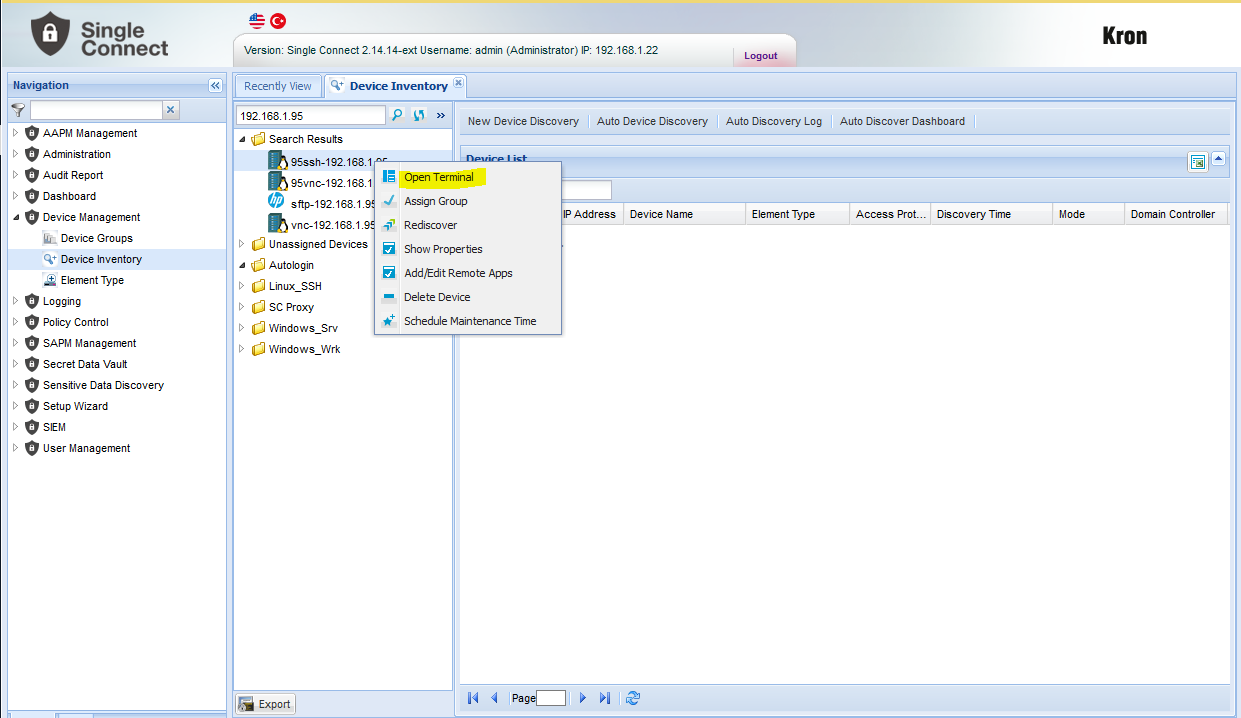
Users can connect target devices through Single Connect Proxy via Web GUI. For this method, login to Single Connect Web GUI and navigate to Device Management - Device Inventory. Choose device to connect and click right.
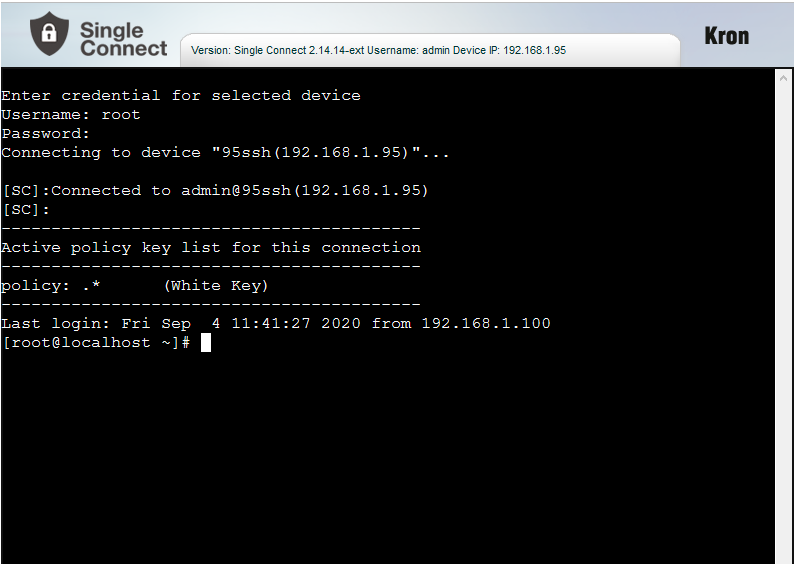
1. Login to Single Connect Web GUI. 2. Navigate to Device Management - Device Inventory. 3. Choose device to connect and right click. Then click "Open Terminal"
Managerial Approval for Connecting Devices
When devices are set with managerial approval to connection, user encounters with some alert at session window.
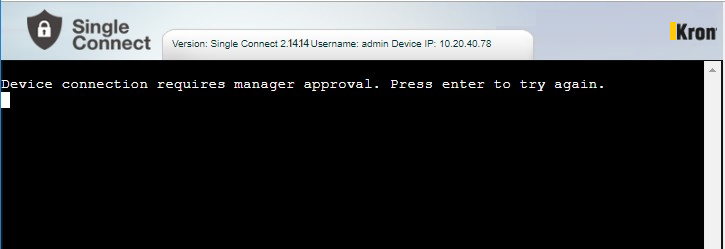
Command Filtering for SSH/Telnet Proxy
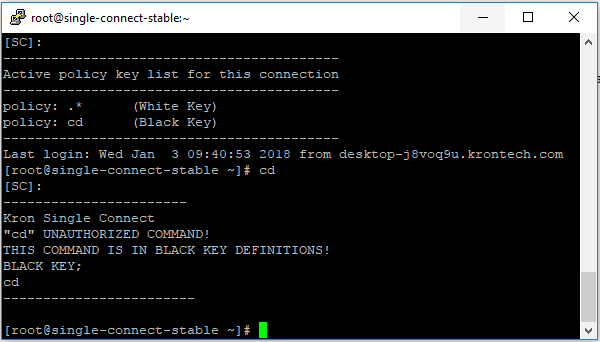
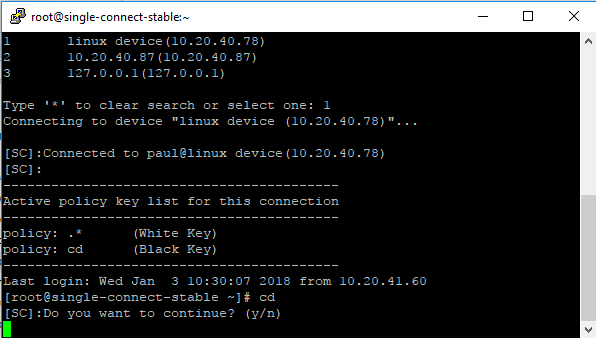
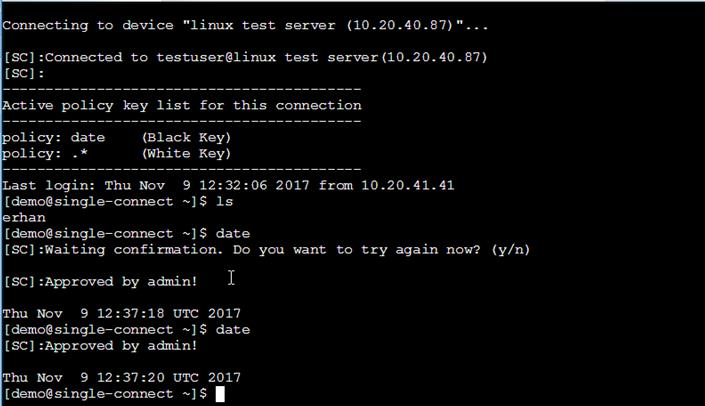
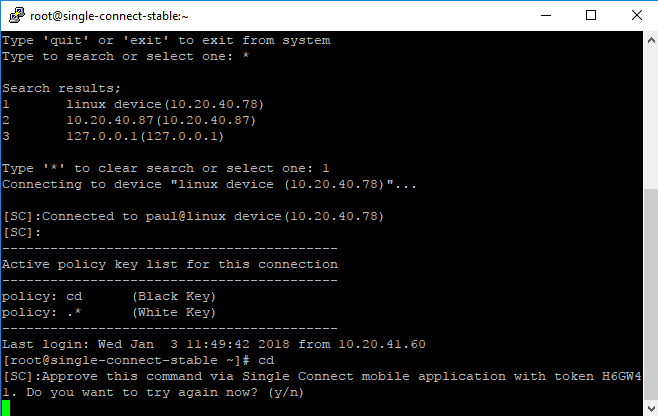
When Defined policies that have “Black key” policy key enforces, user encounters with some alert at session window.
- Double Confirmation Policy Action Generate Error Policy Action
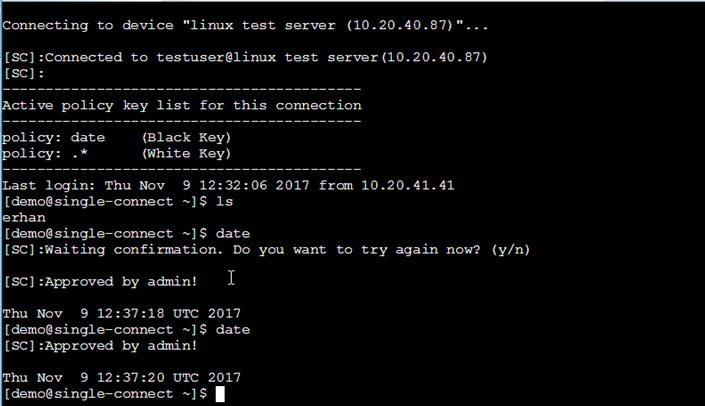
• Managerial Approval Policy Action
• Location Confirmation Policy Action
Admin Message and Killed Session
Admin can send message to user and User session can be killed from admin