Using SMS for MFA
There are two methods to send SMS: over HTTP (via SMS Proxy), or over SMPP (via SMSC). Instead of using the Single Connect mobile app, OTPs can be generated by Single Connect and sent via SMS. To adjust the MFA SMS Settings:
- Navigate to Administration > System Config Man.
- Enter 2fa in the “Parameter Name” field and click the Search button.
- Set the value of the iga.2fa.sms.http.body, iga.2fa.sms.http.headers, iga.2fa.sms.http.secret.body, iga.2fa.sms.http.url, iga.2fa.token.create.count, iga.2fa.sms.smpp.body, iga.2fa.sms.smpp.secret.body, iga.2fa.sms.http.timeout and iga.2fa.token.timestep parameters.
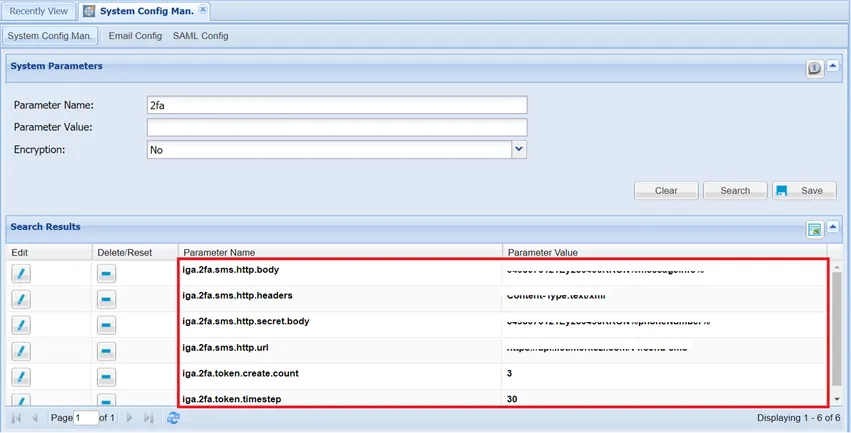
SMS Settings for MFA