Tenant Manager
Actions such as creating a new tenant, editing, and disabling the existing tenants can be executed via the Tenant Manager GUI module. To access the Tenant Manager:
- Log in to Single Connect with an admin user (Use admin@host as the username. All host company usernames should contain the @host prefix after the tenant management license is installed)
- Select Administration from the left menu.
- Navigate to Administration>Tenant Manager to open the Tenant Manager module in the main frame, listing the existing tenants with their respective logos.
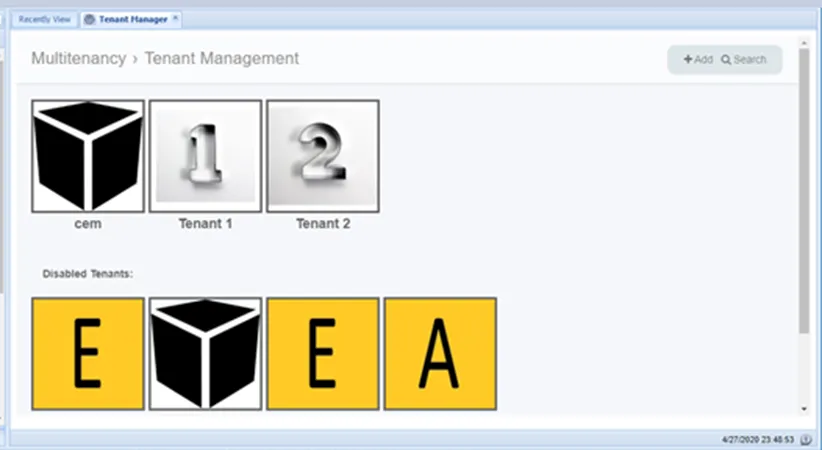
Tenant Manager GUI