Session Reports
In the Session Reports section, established sessions’ visual graphics are available using Single Connect, including pie charts with the number sessions by user, the number of sessions by access protocol, such as RDP, SFTP, SSHv2, as well as a column chart with the number of sessions established by the system. Filters for session details are available on the reports page, including time interval, select access protocols, usernames, and system names filters.
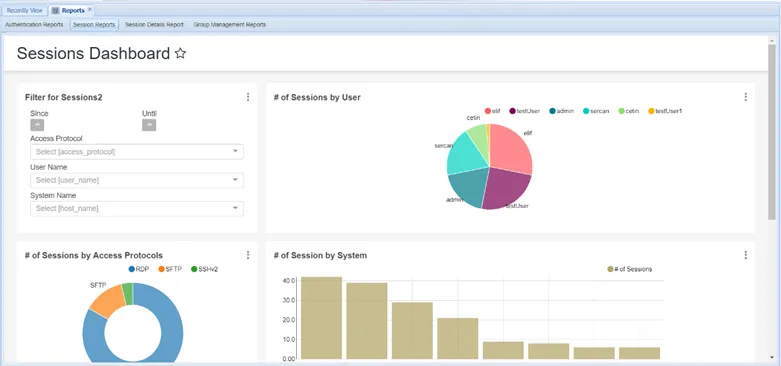
Session Dashboard