Removing Accounts from AAPM
To delete an AAPM account:
- Navigate to AAPM Management > AAPM Management.
- Open the AAPM Accounts tab.
- Click the Options button of the account to be removed.
- Select Delete AAPM Account.
- Confirm the dialog box.
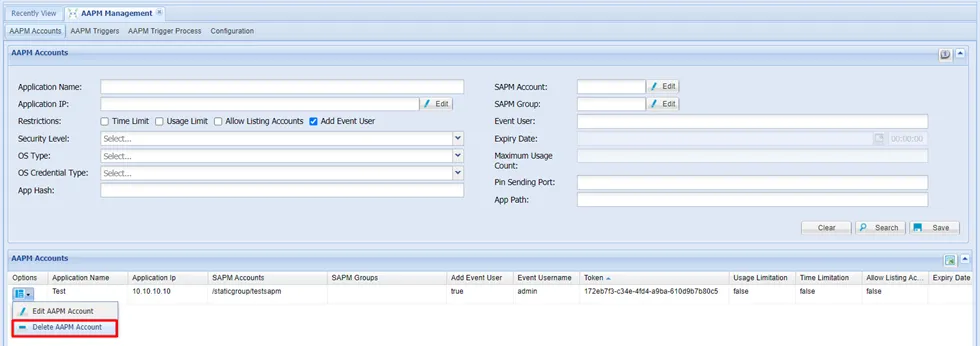
Removing AAPM Account