Manual Log In Connections
This property connects users to devices and lets users enter their credentials manually. It is only available in SSH proxies. To enable this property:
- Navigate to Device Management > Device Groups.
- Right-click the device group and select the Show Properties option.
- Set “addManualLoginToUserSelection” as “true”.
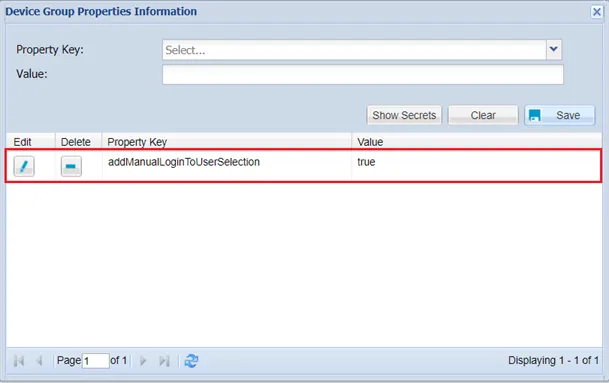
Manual Log In Property on Device Group Properties