Tamper-Evident Configuration
The tamper-proof parameter is enabled by default, and hashing is used in the batch process. If tamper-evident is disabled, the batch process will not be executed.
- Navigate to Administration > System Config Man.
- Click Add.
- Add the tamper.proof.enabled parameter and set its value as true or false to enable or disable it.
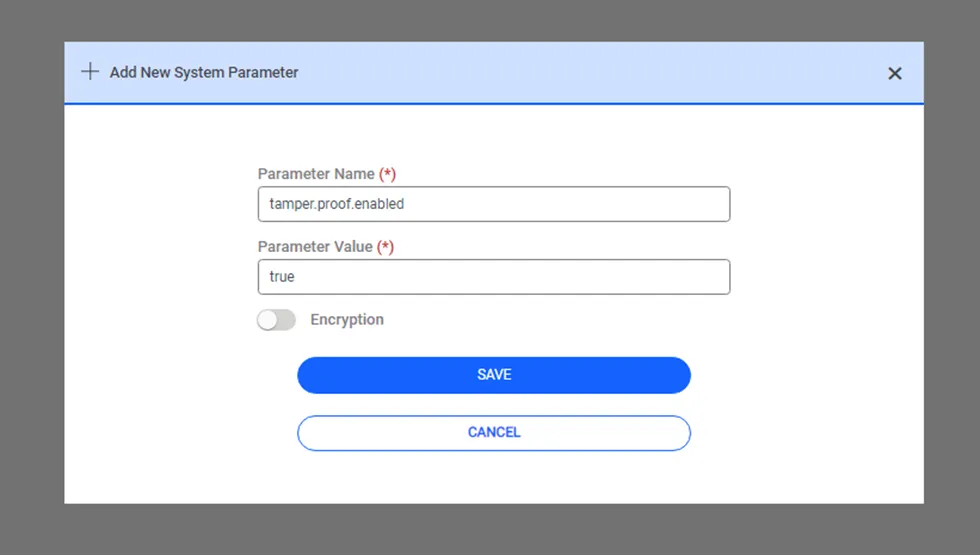
- Navigate to Administration > Job Scheduler.
- Click the Add.
- Set the Tamper Proof Log Job parameters. By setting this job, logs will be hashed in the background. This job can be set periodically or triggered manually.
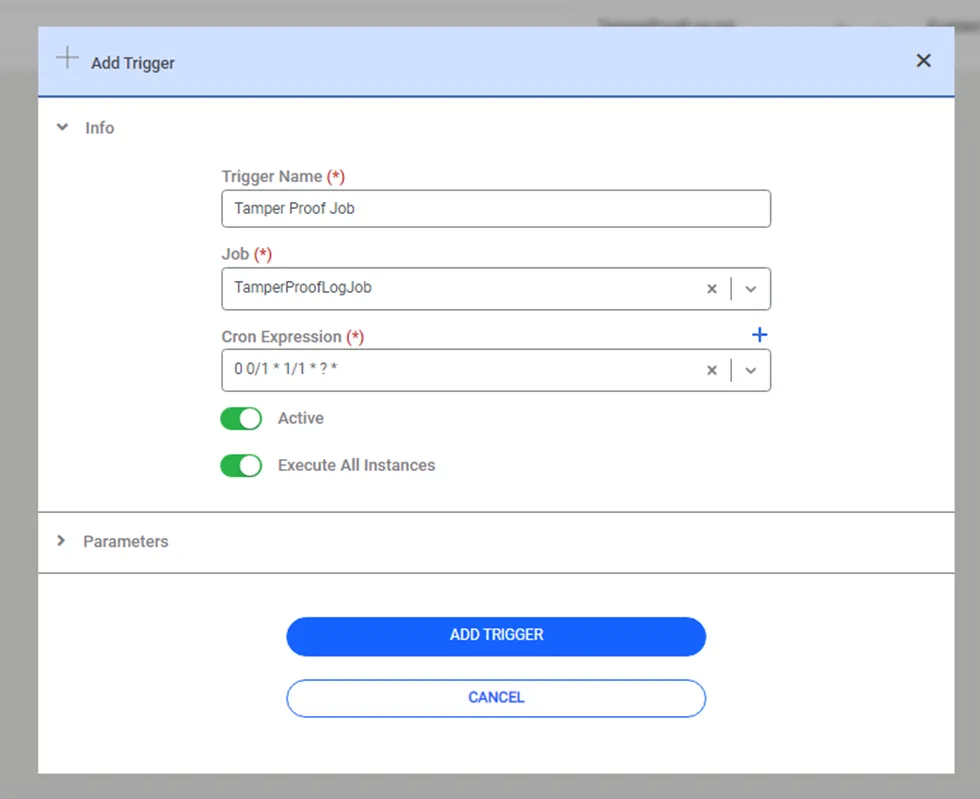
"Tampered Records" filter button is under the More menu on all logging screens (User Auth Logs, Session Logs, Activity Logs, Command Logs, HTTP Proxy Logs, RADIUS Accounting Logs, TACACS Accounting Logs, Newly Discovered Users, Vault). When clicked, the system analyzes the most recent 10,000 records matching the current filters and lists only the tampered ones at the top. If the total matching record count exceeds 10,000, the user is informed of the analyzed subset size and prompted to narrow the time range or refine filters. The 10,000 threshold is fixed and not configurable. The existing "Enable Tamper Proof Column" control and the new "Tampered Records" button remain synchronized.