Privileged Task Automation Logs
Kron PAM lists script execution logs on the Logs tab. The records you see depend on the portal function that you hold:
· kronpam.pta.logs.moduleVisibility: only the script executions that you performed.
· kronpam.pta.groupLogs.moduleVisibility: the script executions that the members of your own user groups performed.
· kronpam.pta.logs.all, assigned with one of the functions above: the script executions of all users.
To check the logs:
1. Navigate to Privileged Task Automation > Logs.
2. Filter or search the logs.
3. Click a log record to view its details, including target devices, executed commands, and command output.
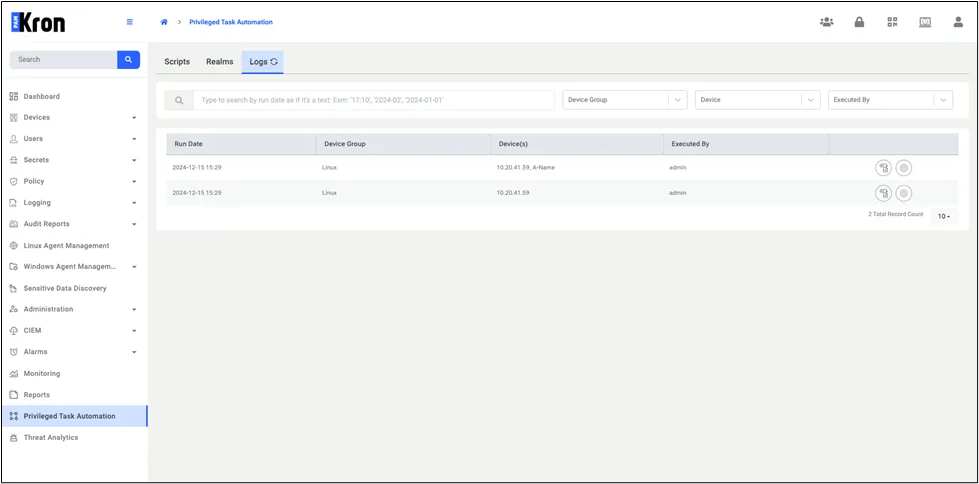
Privileged Task Automation Logs