Using MFA for Remote Privileged Access Management
Kron PAM’s built-in MFA can be used as a secondary layer of authentication for logging into the Kron PAM Remote Privileged Access Management. To enable MFA for Kron PAM Remote Privileged Access Management:
- Navigate to Administration > System Configuration. Manager.
- Set the rap.client.otp.enabled parameter as true.
If the parameter is set to true and if MFA is enabled for the user, after the user enters Kron PAM password, the Remote Privileged Access Portal asks the user for OTP.
If the new parameter is set to false or if it is set to true but the OTP is not enabled for the user, after the user enters Kron PAM password, the Remote Privileged Access Portal lists the target devices without asking OTP.
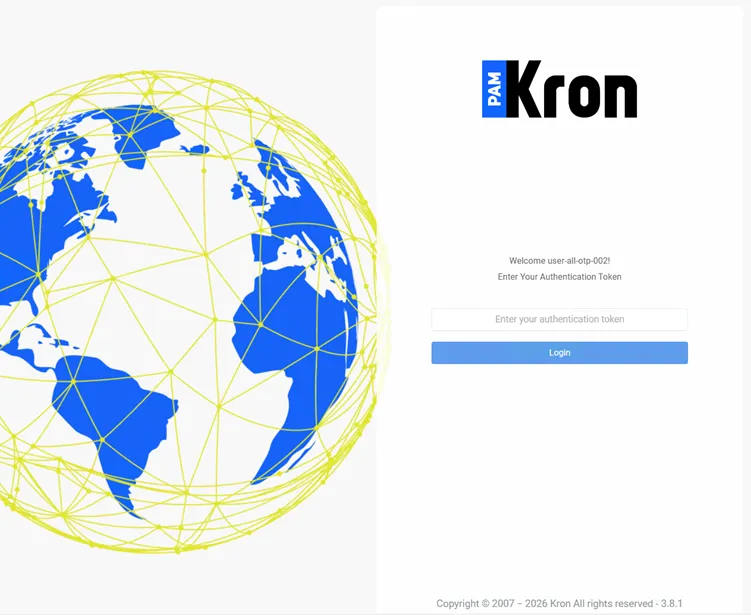
OTP Asked for Secure Remote Access