Selection Action Menu
In the search results, an Options button is located on the right side. When clicked, it opens a menu with available actions for that item.
For example, on the Users page, let's filter the users by username starting with enduser. We fill Username = enduser and hit Enter. The results will be shown in the bottom. We now select a user and click on the green arrow-shaped option menu button. In this menu, we can edit the user's properties or delete the user.
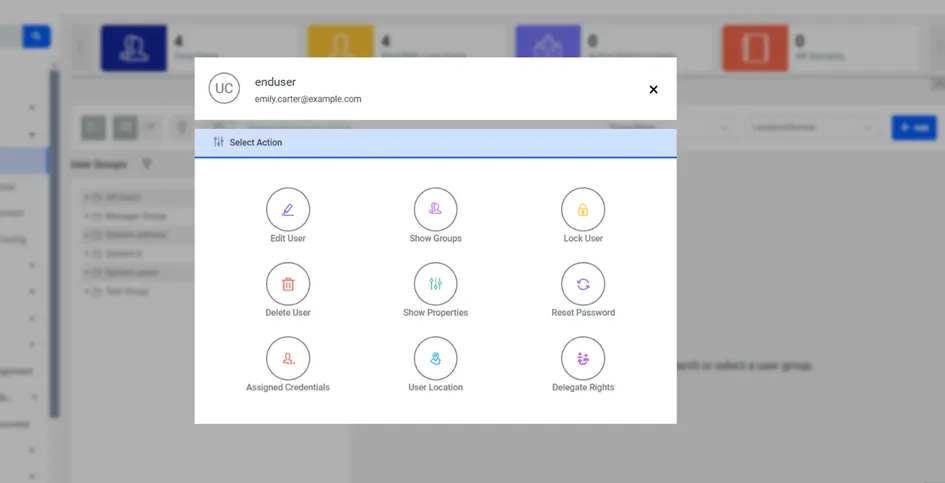
Actions Menu