OT/ICS Session Manager Configuration
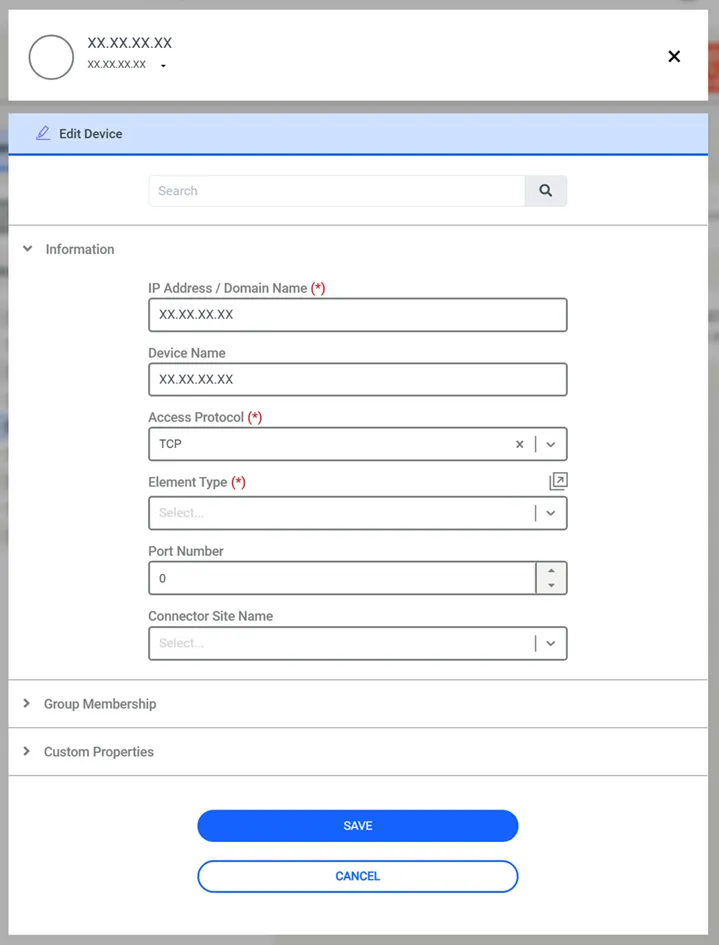
To utilize the OT/ICS Session Manager, a device must be configured with the TCP access protocol in the Device Inventory.
1. Navigate to Devices > Inventory.
2. Click the Add button then Add Group button if Device Group creation is needed before Device definition.
3. Click the Add Device button.
4. Fill the fields with the proper definition of the device and its Group Membership.
5. Under Information, set the Access Protocol to TCP.
6. Then click Save.
1. Navigate to Policy> Realms.
2. Click the Add.
3. Choose the OT Device’s Device Group and the User Group allowed to use OT/ICS Session Manager.