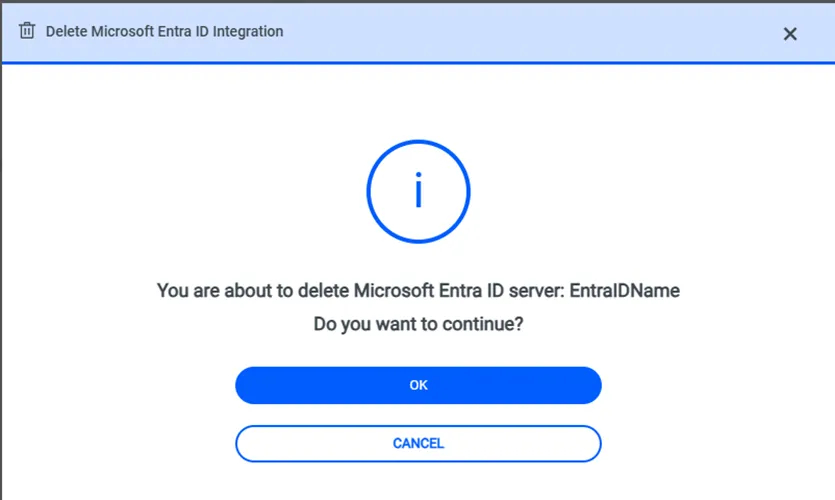
Microsoft Entra ID Integration
Azure Entra ID can be integrated with Kron PAM.
1. Navigate to Administration > System Configuration Manager > Integrations.
2. Click on the Microsoft Entra ID option.
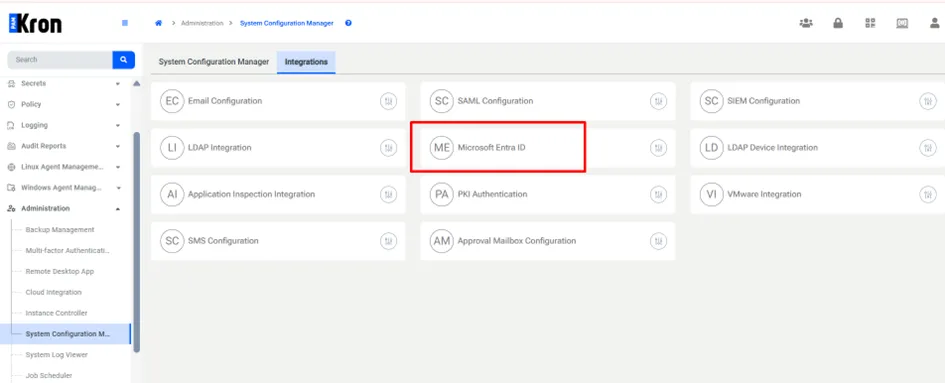
Microsoft Entra ID integration options can be seen below.
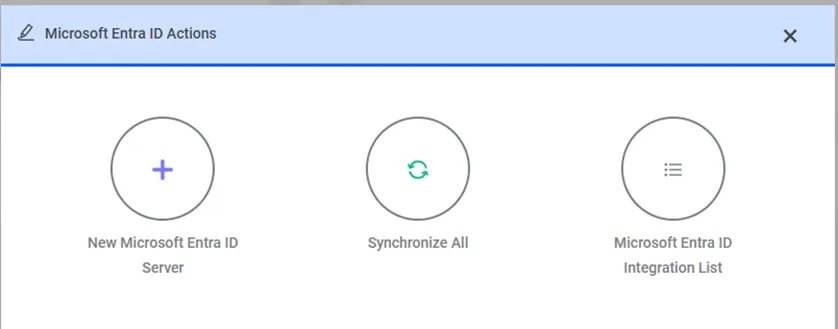
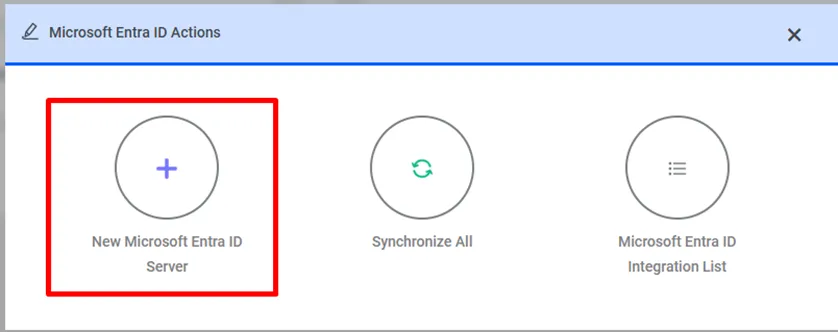
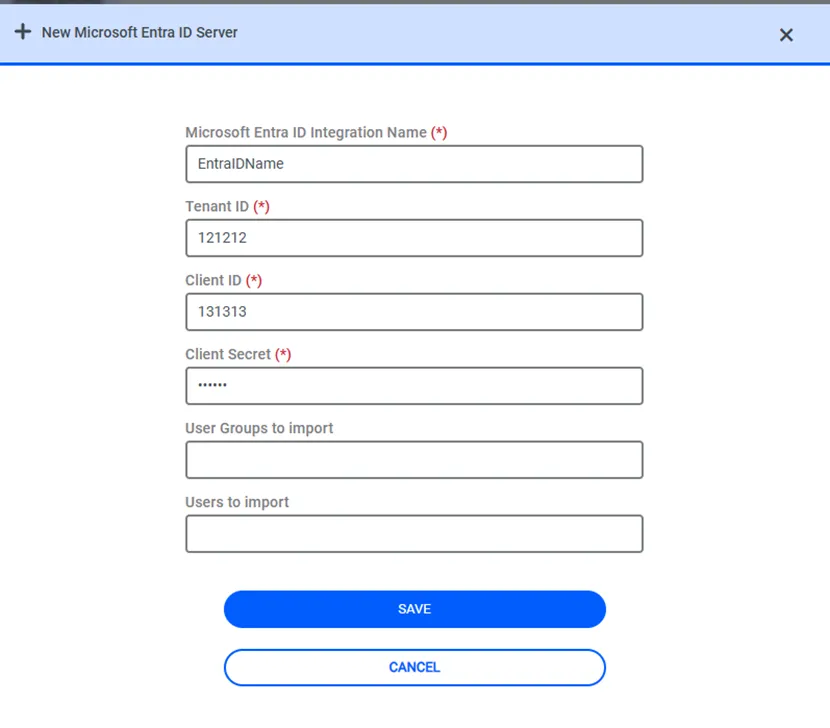
To add new integration, click on “New Microsoft Entra ID Server” option from actions modal.
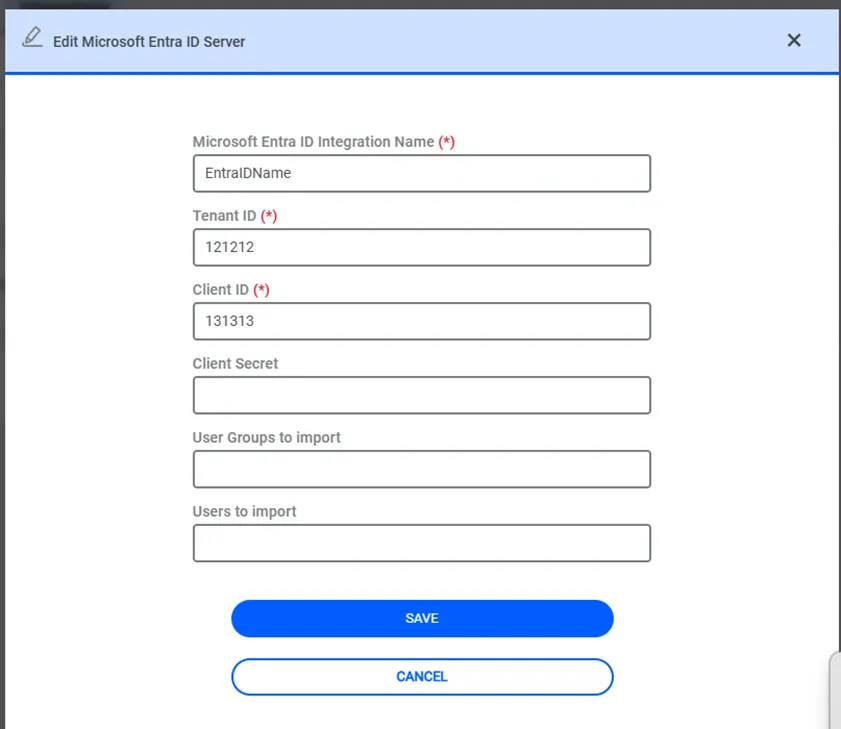
To add new integration details, there are six areas to add related parameters as Microsoft Entra ID Integration Name, Tenant ID, Client ID, Client Secret, User Groups to import, Users to import. Group and user names can be filtered.
Group and user names can be filtered with the following behavior:
· Multiple user groups can be entered in the User Groups to Import field, separated by commas (spaces are allowed). Example: group1, group2, group3
· If the Users to Import field is left empty, all users within the specified user groups will be imported.
· If specific users are entered in the Users to Import field (comma-separated), only those users will be imported, provided that they exist within the specified user groups.
· If a specified user does not belong to any of the provided groups, that user will not be imported.
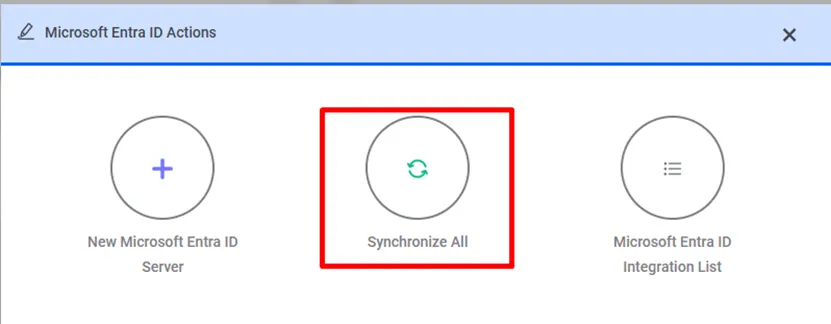
Click the “Synchronize All” button on the Actions modal to synchronize.
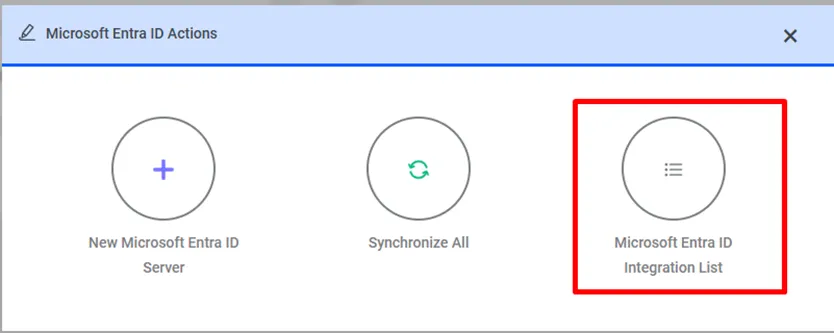
Click “Microsoft Entra ID Integration List” button on Actions modal to see added Microsoft Entra ID integration lists.
There are added Microsoft Entra ID integration lists on Integration List modal. Related integrations can be displayed, edited or deleted from this modal.
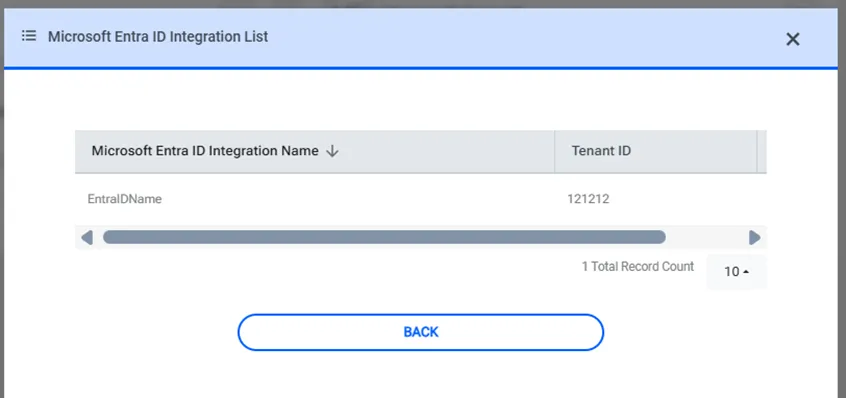
Click “Edit” button on Microsoft Entra ID Integration List modal to display or edit related integration.
Click “Delete” button on Microsoft Entra ID Integration List modal to delete related integration.