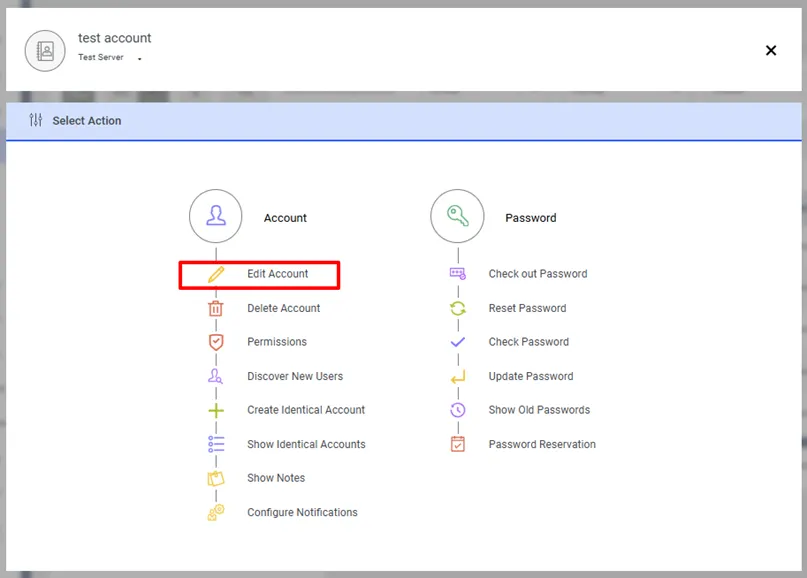
Edit Account
Each account added to Password Vault needs information other than user credentials that users can access from the interface. When adding an account, if it has a dynamic configuration, device information is also defined.
Apart from this, there are information fields such as Description, Secret Notes, Additional Info, or functional fields such as Owner, Private, and Change Period.
During an account edit operation, the Host Name/IP Address cannot be changed. The edit process is limited to modifications such as the Vault account's name and properties. However, no action is taken on the target device itself.
This information entered in the Add Account process can be changed through the Edit Account action.
- Navigate to Secrets > Vault.
- Open the Vault tab.
- Click the Account Options menu of the Vault account whose details you want to edit.
- Select Edit Account.
- Edit the account by entering the Type, Description, Secret Notes, Owner, Additional Info, Owner, Private, and Change Period then click Next.
- Write to comment and click Save.