Adding a Built-in VPN Connector
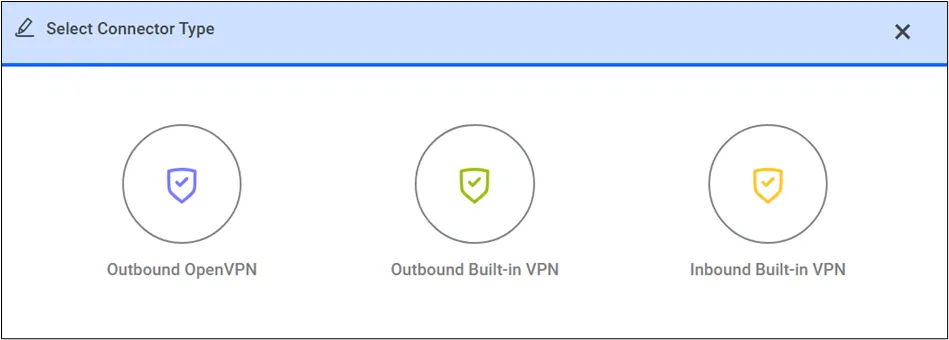
Tenants that do not have an OpenVPN license and want to use Kron PAM’s secure connection can instead use Kron PAM’s Built-in VPN Connector (either outbound or inbound option).
The outbound connection refers to the path that begins with the Kron PAM server and ends with the Kron PAM Connector. If the outbound connection option is selected, the Kron PAM connector located at the customer site is accessed through a UDP port utilizing the external IP address.
The Inbound Built-in VPN option refers to the connection established from the remote Kron PAM Connector node to Kron PAM server.
Kron PAM Connector installation packages are uploaded to Kron PAM’s Filerepo. The Kron support team provides the required information to access installation files.
To create an Outbound Built-In VPN Connection:
- Navigate to Tenant Connector.
- Open the Connector Sites tab.
- Click the Add button, enter the remote site name and description, and click Save.

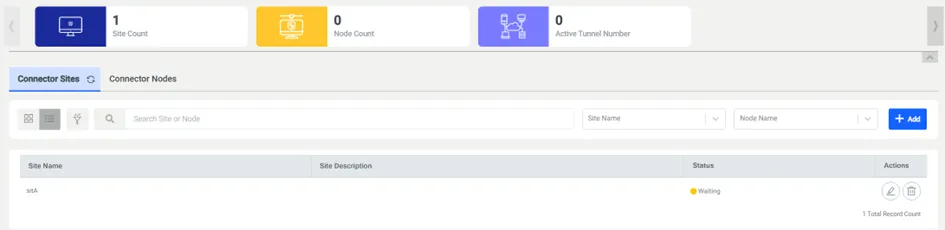
- Open the Connector Node tab.
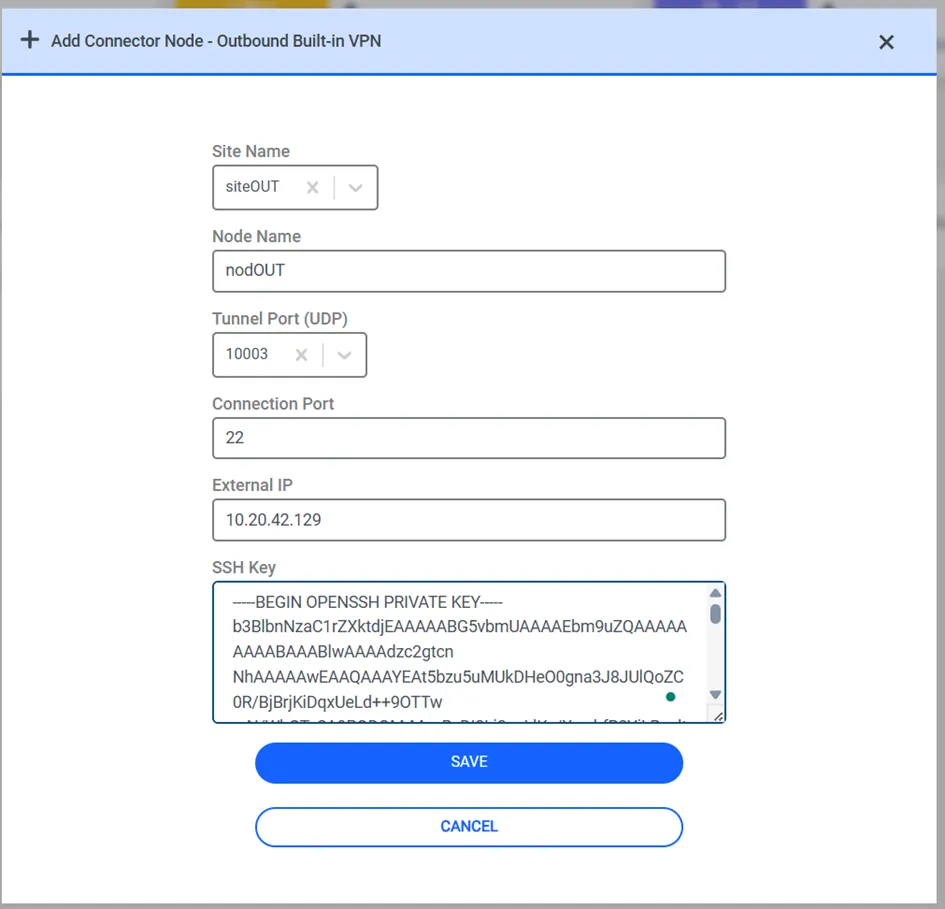
- Click the Add button and select the Outbound Built-In VPN option.
- Select the remote site name, enter the node name, tunnel port, connection port, connector node external IP, and the SSH RSA Key created during the connector node installation, and click Save.
To create an Inbound Built-In VPN Connection:
- Navigate to Tenant Connector.
- Open the Connector Sites tab.
- Click the +Add button, enter the remote site name and description, and click Save.
- Open the Connector Node tab.
- Click the Add button and select the Inbound Built-In VPN option.
- Select the remote site name, enter the node name, tunnel port, and Kron PAM Instance External IP, and click Save.
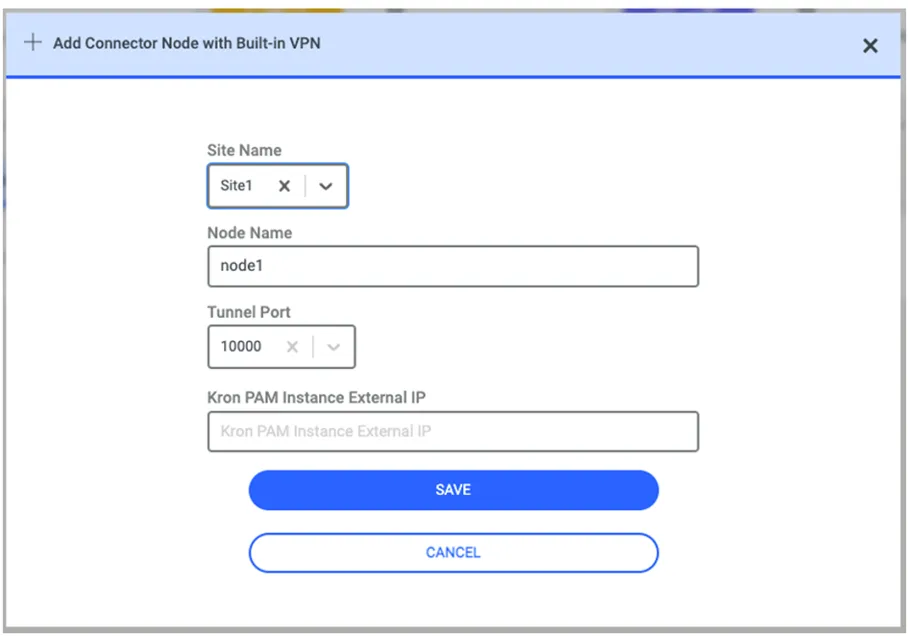
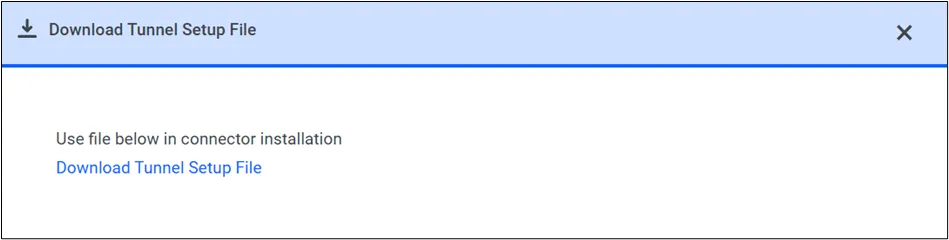
- After the node is added to the GUI, a configuration file is created.
- The user can download the tunnel configuration file. The tunnel creation script on the connector node (connector_node_setup.sh) gets the tunnel_setup.txt file as input and creates a tunnel between the connector and Kron PAM.