Activity Logs
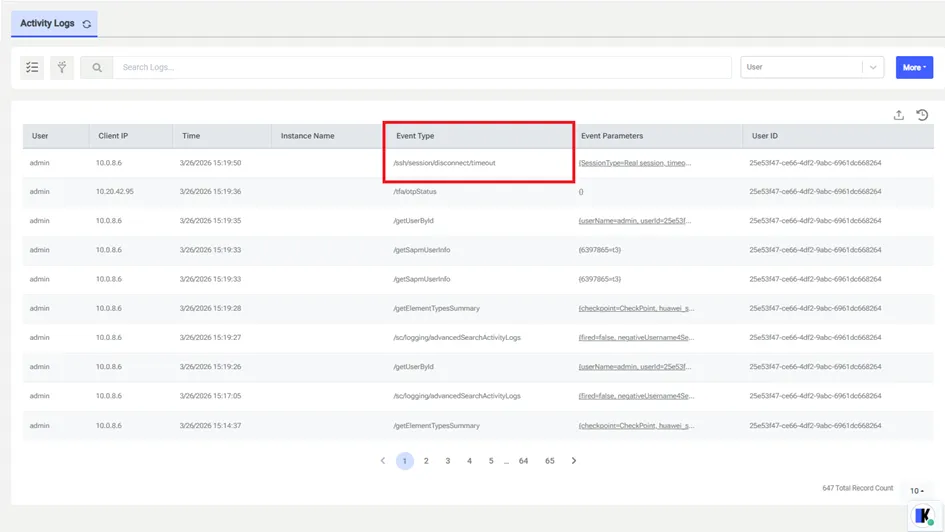
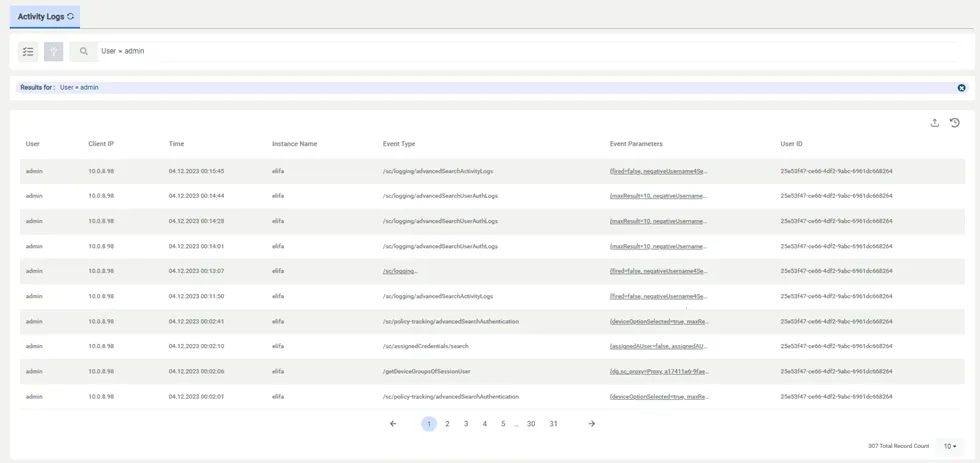
All transactions made through the web interface, and all system events, such as what users connected to the Kron PAM Web UI and what they did, are logged by Kron PAM and can be accessed in the User Activity Logs screen. The logs include details like username, client IP the user is connecting from, date and time, instance name of the user connected to Kron PAM, event type, and the event parameters, showing what the users specifically did on Kron PAM. To access this information:
- Navigate to Logging > Activity Logs.
- Fill in the fields to filter and click the Search button.
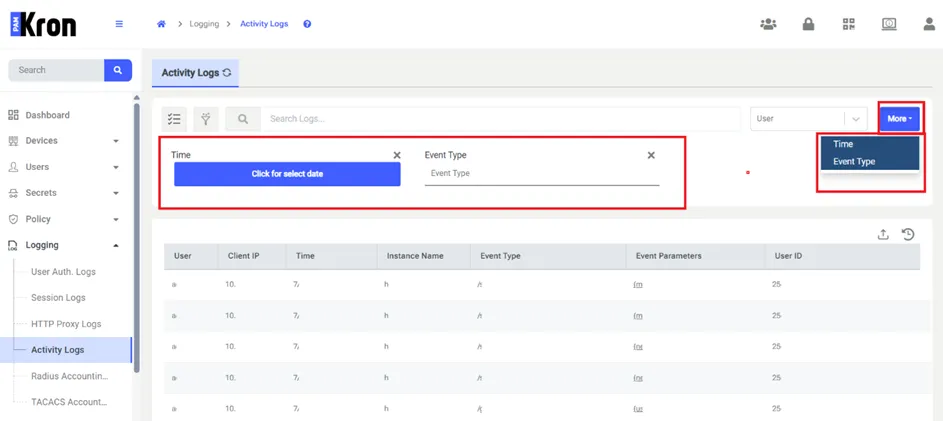
The More button can add extra filtering columns to the screen. When the button is clicked, more than one value can be selected from the popup. The selected columns will be added to the screen in order and filtering can be done according to the values entered by the user.
Information regarding sessions that close after a successful connection via SSH proxy whether due to the user logging out or the timeout expiring—is listed as separate entries in the log screens.