Active Directory Device Discovery on Integrations
LDAP or Active Directory devices can be integrated with Kron PAM. Some properties must be added from the Integrations for discovery configuration.
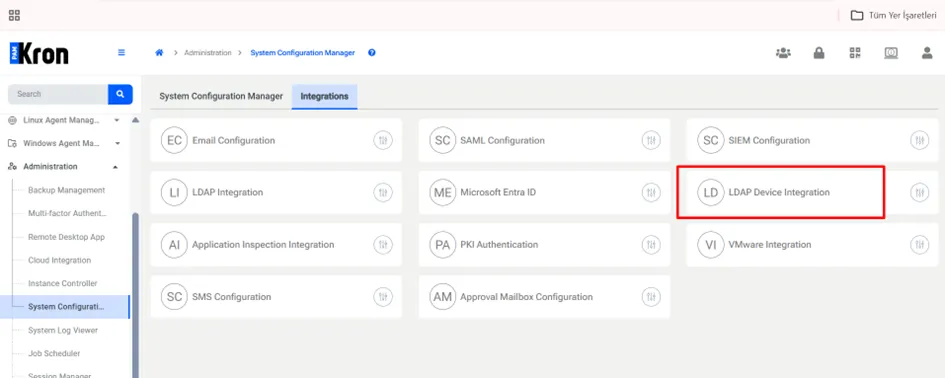
1. Navigate to Administration > System Configuration Manager > Integrations.
2. Click on the LDAP Device Integration options.
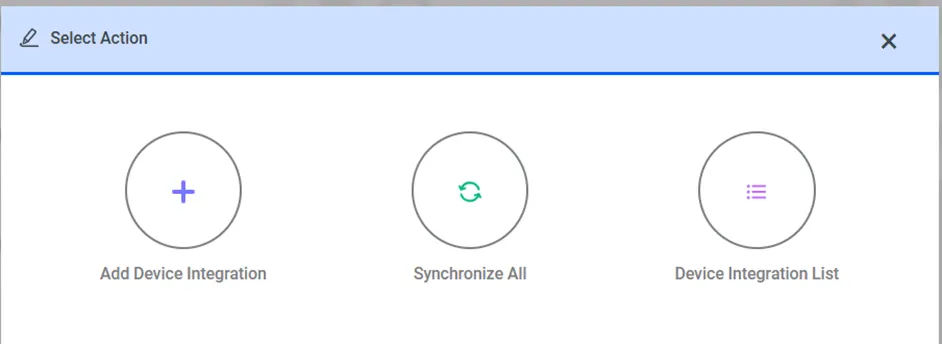
LDAP device integration options can be seen as below. To add device integration, click on “Add Device Integration” option from select action modal.
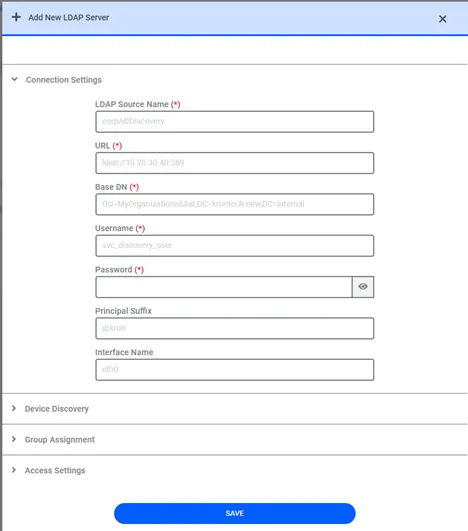
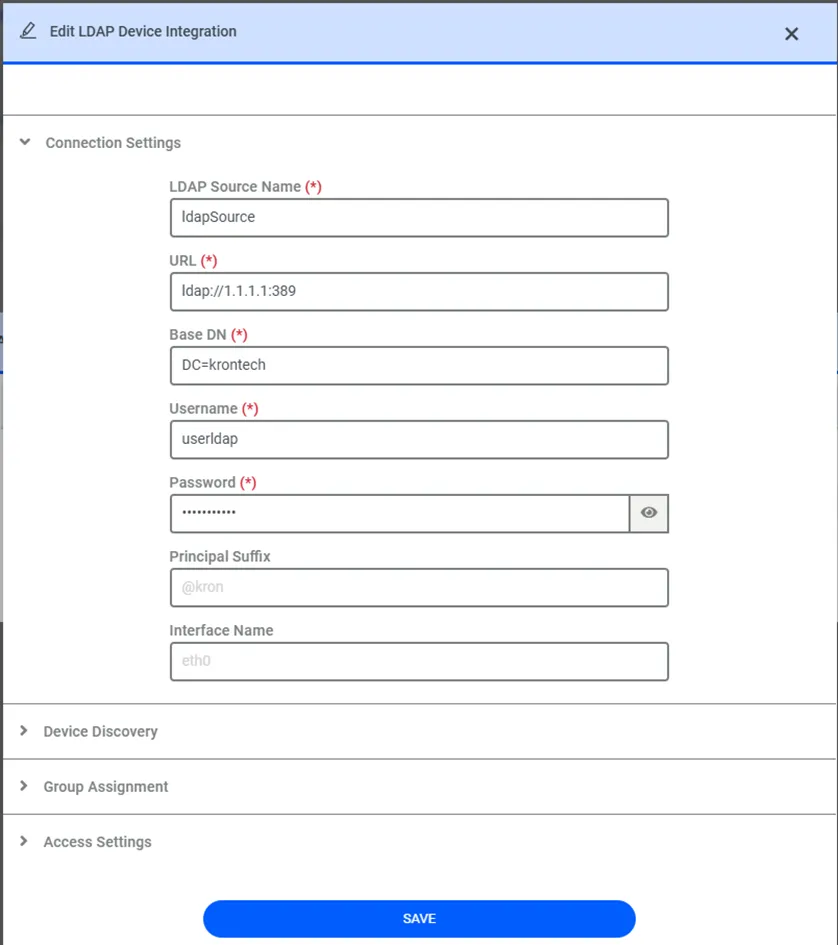
To add device integration details, there are four main areas to add related parameters as connection settings, device discovery, group assignment and access settings.
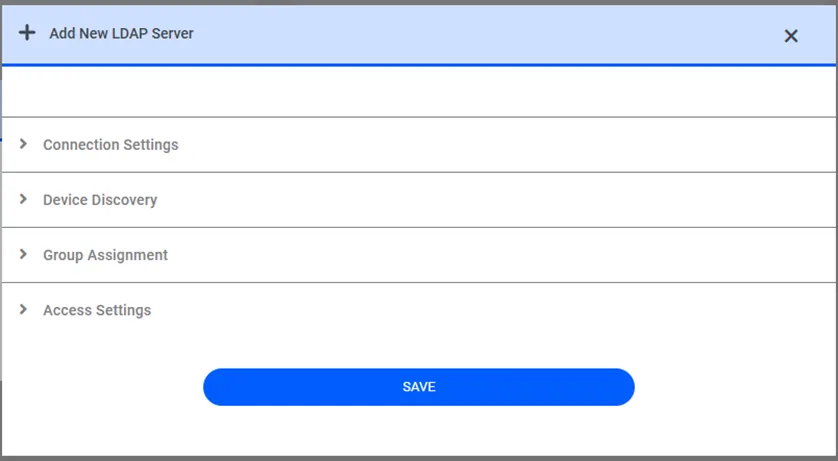
Click on the related headline to configure LDAP Device Integration details.
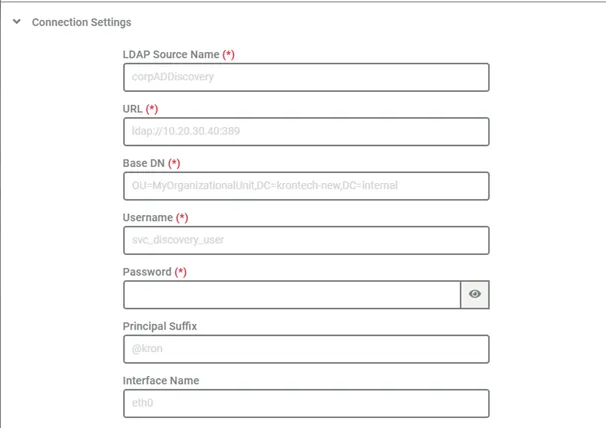
On connection settings area, there are 7 areas to add. Details including UI label, parameter name, mandatory/optional status and examples are given as below table.
Parameter | UI Label | Input Type | Mandatory/Optional | Example Value |
|---|---|---|---|---|
sc.device.integration.ldap.source.name_n | LDAP Source Name | Text | M | corpADDiscovery |
sc.device.integration.ldap.url | LDAP/AD Server URL | Text | M | ldap://10.20.30.40:389 |
sc.device.integration.ldap.baseDN_n | Base Distinguished Name (DN) | Text | M | OU=MyOrganizationalUnit,DC=krontech-new,DC=internal |
sc.device.integration.ldap.eid_n | Bind Username | Text | M | svc_discovery_user |
sc.device.integration.ldap.password_n | Bind Password | Password | M | YourSecurePassword123! |
sc.device.integration.ldap.principal | Principal Suffix | Text | O | ? |
@kron | | | | |
sc.device.integration.ldap.device.interface.name | Interface Name | Text | O | eth0 |
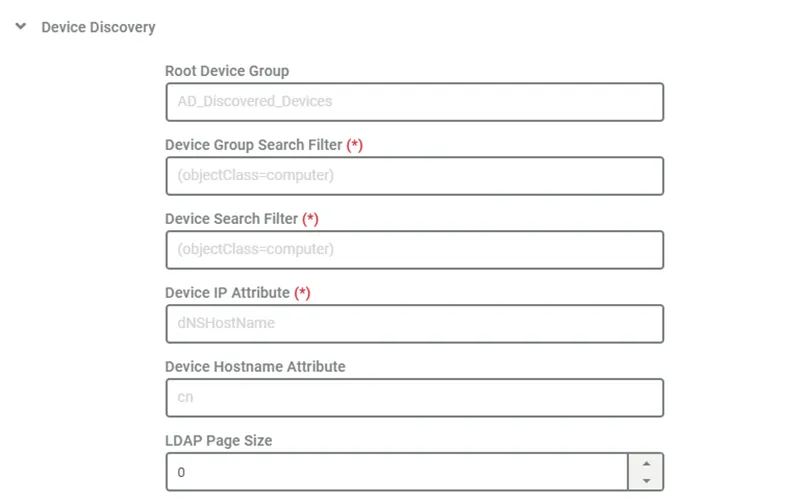
On device discovery area, there are 6 areas to define. Details including UI label, parameter name, mandatory/optional status and examples are given as below table.
Parameter | UI Label | Input Type | Mandatory/Optional | Example Value |
|---|---|---|---|---|
sc.device.integration.ldap.root.device.group_n | Root Device Group | Text | O | AD_Discovered_Devices |
sc.device.integration.ldap.device.group.search.phrase_n | Device Group Search Filter | Text | M | (objectClass=computer) |
sc.device.integration.ldap.device.search.phrase_n | Device Search Filter | Text | M | (objectClass=computer) |
sc.device.integration.ldap.device.ip.attribute_n | Device IP Attribute | Text | M | dNSHostName |
sc.device.integration.ldap.device.hostname.attribute_n | Device Hostname Attribute | Text | O | cn |
sc.device.integration.ldap.page.size | LDAP Page Size | Numeric | O | 500 |
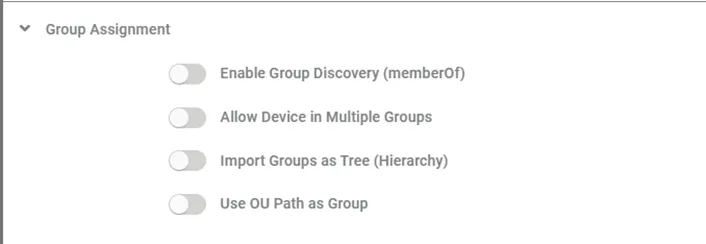
On group assignment area, there are 4 areas to define. Details including UI label, parameter name, mandatory/optional status and examples are given as below table.
Parameter | UI Label | Input Type | Mandatory / Optional | Example Value |
|---|---|---|---|---|
sc.device.integration.ldap.use.membership_n | Enable Group Discovery (memberOf) | Checkbox | O | true / false |
sc.device.integration.ldap.allow.device.in.multiple.groups_n | Allow Device in Multiple Groups | Checkbox | O | true / false |
sc.device.integration.ldap.device.group.collect.tree_n | Import Groups as Tree (Hierarchy) | Checkbox | O | true / false |
sc.device.integration.ldap.import.ou.as.group_n | Use OU Path as Group | Checkbox | O | true / false |
On access settings area, there are 6 areas to define. Details including UI label, parameter name, mandatory/optional status and examples are given as below table.
Parameter | UI Label | Input Type | Mandatory / Optional | Example Value |
|---|---|---|---|---|
sc.device.integration.ldap.device.access.protocol.attribute_n | Access Protocol Attribute | Text | O | accessProtocol |
sc.device.integration.ldap.device.default.access.protocol_n | Default Access Protocol | Dropdown (RDP, SSH, Telnet, Other) | M | RDP |
sc.device.integration.ldap.device.port.attribute_n | Device Port Attribute | Text | O | portNumber |
sc.device.integration.ldap.device.default.port_n | Default Port | Text | O | 3389 |
sc.device.integration.ldap.device.element.type.id.attribute_n | Device Type Attribute | Text | O | osType |
sc.device.integration.ldap.device.default.element.type.id_n | Default Device Type | Text | M | windows |
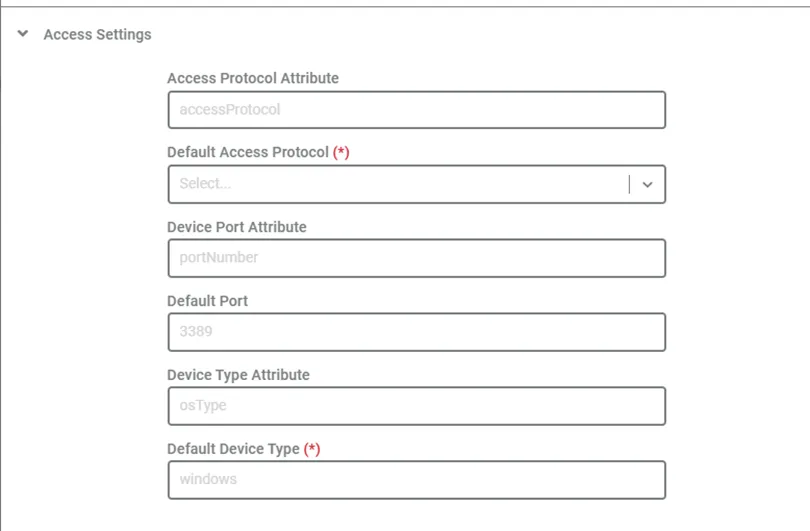
Click “Save” after adding related parameters on Add New LDAP Server modal.
Click “Synchronize All” on Select Action modal to run LDAP device import job.
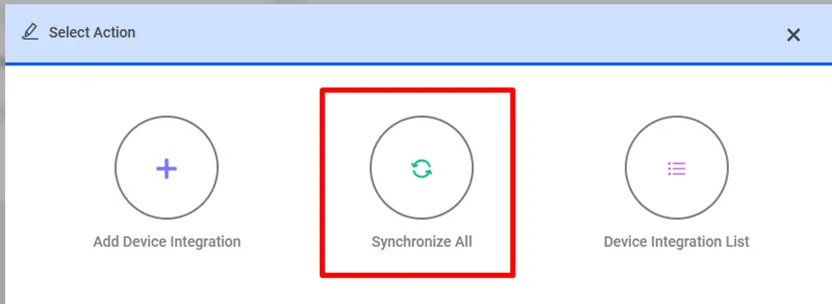
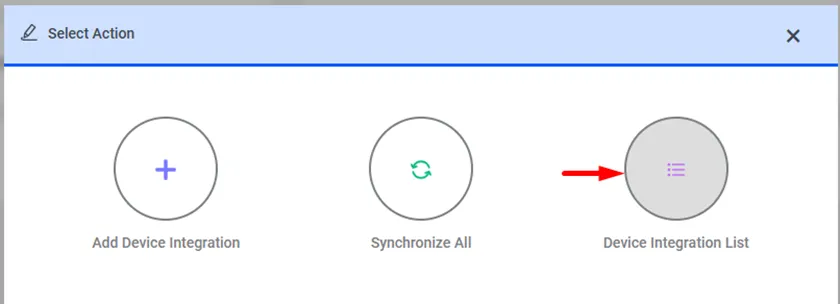
Click “Device Integration List” button on Select Action modal to see added device integration lists.
There are added device integration lists on LDAP Device Integration List Modal. Related device integration can be displayed, edited or deleted from this modal.
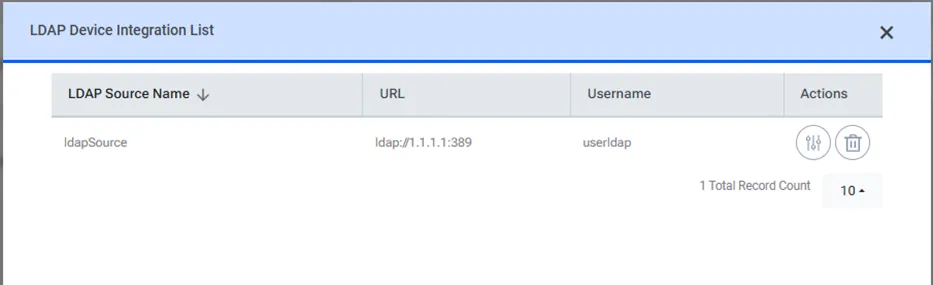
Click “Actions” button on LDAP Device Integration List modal to display or edit related device integration.
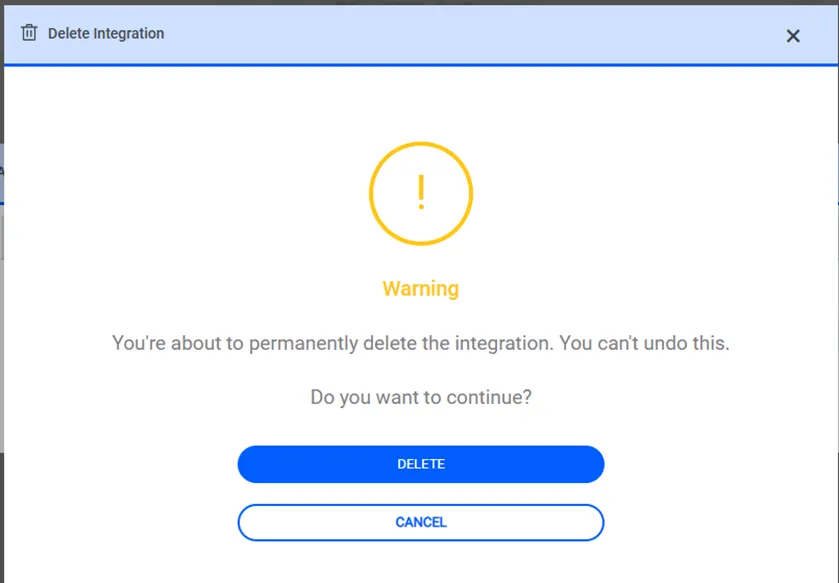
Click “Delete” on LDAP Device Integration List modal to delete related device integration.