Account & Group Creator Users
The user who created it can create their own static and dynamic accounts. A device realm is required when creating Vault accounts, except for certain static configurations. Each user-created account and group is private to the user. Other user groups need permission to view and manage these accounts and groups. To create a private account, the following parameters must be entered on the System Config Manager screen:
Parameter Name | Parameter Value | Description |
|---|---|---|
sapm.private.option.default.value | YES (Default value is NO) | The parameter that creates the private account. |
sapm.private.option.hide | true (Default value is false) | Parameter that removes the "private" field from the Vault Accounts tab. |
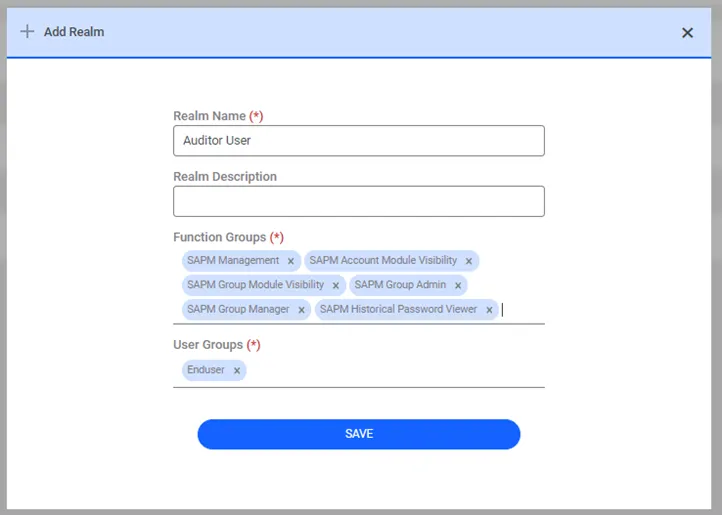
Creator user groups must have the following function groups:
Function Group | Description |
|---|---|
SAPM Management | The main Password Vault function group. |
SAPM Account Module Visibility | Function group that grants the authority to see the Vault Account list. |
SAPM Group Module Visibility | Function group that grants the authority to see the Vault Group list. |
SAPM Group Admin | Authorizes the user to create an account. |
SAPM Group Manager | Authorizes the user to create a group. |
SAPM Historical Password Viewer | Authorizes the user to see old password values. |