Secure Remote Access Integration
To configure SMS services for Secure Remote Access:
1) Navigate to Administration> System Configuration Management > Integrations > SMS Integration.
Click the + Add SMS Integration button.
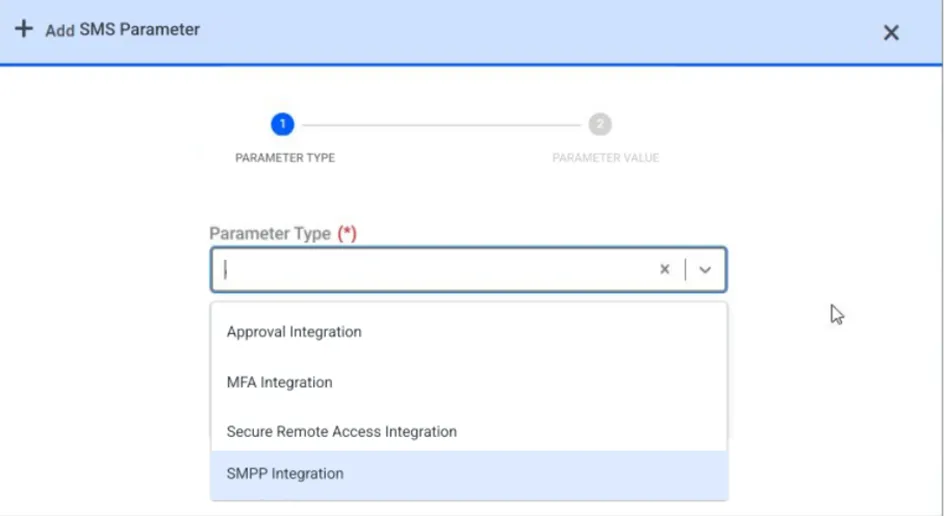
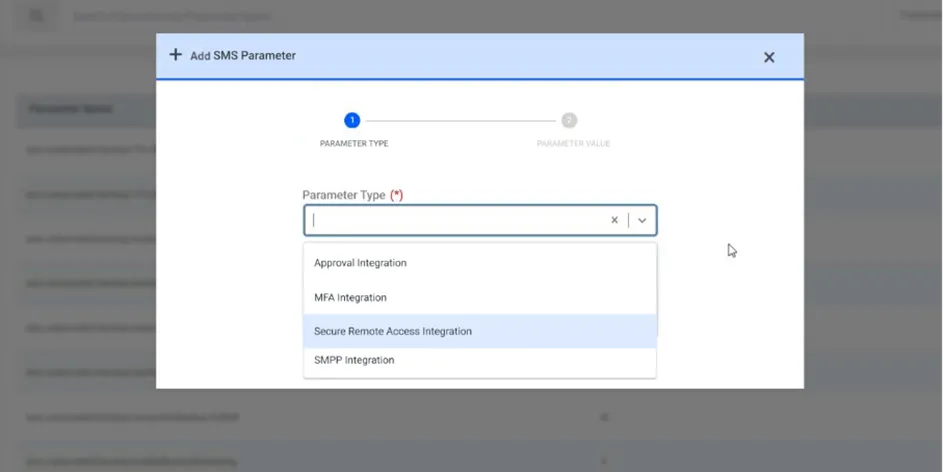
2) Select Secure Remote Access Integration from the parameter type dropdown list.
a. For the HTTP SMS Channel type, fill all the required fields and click Save.
Example values for each field are shown in the above mentioned table.
HTTP SMS Parameters | Example Values |
|---|---|
HTTP URL | https://api.sms.com/v1/send-sms |
HTTP Method | POST or GET |
HTTP Headers | Content-Type:text/xml |
HTTP Body | <request><authentication><username>username</username><password>password</password></authentication><order><sender>KRON</sender><sendDateTime></sendDateTime><message><text> <![CDATA[ Dear %userEid%, Please use the passcode below during login phase of your Secure Remote Access connection. Passcode: %passcode% Secure Remote Access Connection (Access On Web Browser): %connURL% ]]> </text><receipents><number>%phoneNumber%</number></receipents></message></order></request> |
| |
HTTP Encoding | UTF-8 |
HTTP Delimiter | & |
b. For the SMPP SMS Channel type, fill the SMPP body field in, and then click the Save button. Moreover, for this option, the SMPP parameters should be set on SMPP Integration.

SMPP Integration Parameters | Example Values |
|---|---|
SMS Channel | SMPP |
IP | localhost |
Password | netright(Encrypted) |
System ID | netright |
Source Address | 2222 |
Receive Timeout | 30 |
Port | 16000 |