Limiting Applications on Windows RDP Devices Settings
Kron PAM can limit the applications that can be accessed in a Windows device session. It is possible to set permissions for Device Groups for each application so that only limited applications can be run by the user. To adjust allowed applications on a Windows server, follow the steps below. In this example, the user is only allowed to use Google Chrome Web Browser. To configure the allowed application path:
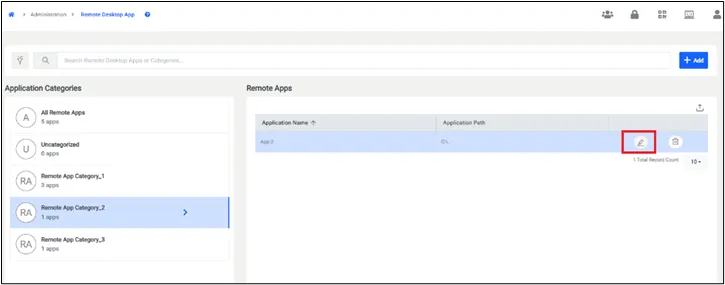
- Navigate to Administration > Remote Desktop App.
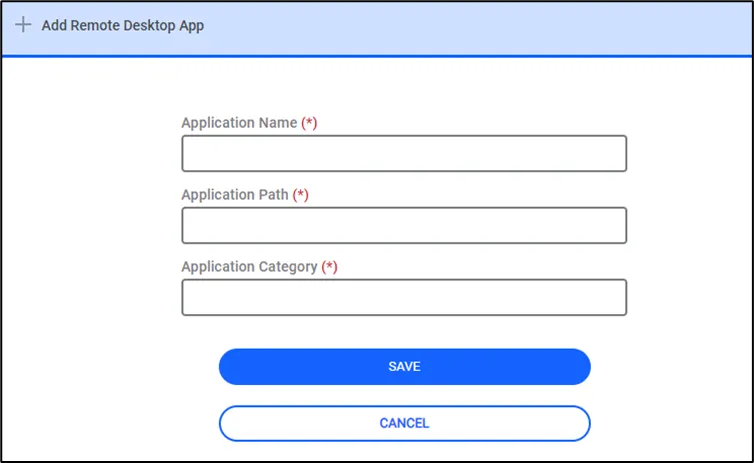
- Fill in the Application Name and Path fields.
To select the allowed applications from the Device Group tab:
1. Navigate to Devices > Inventory > Device Groups.
2. Choose the desired Device Group and select Remote Apps.
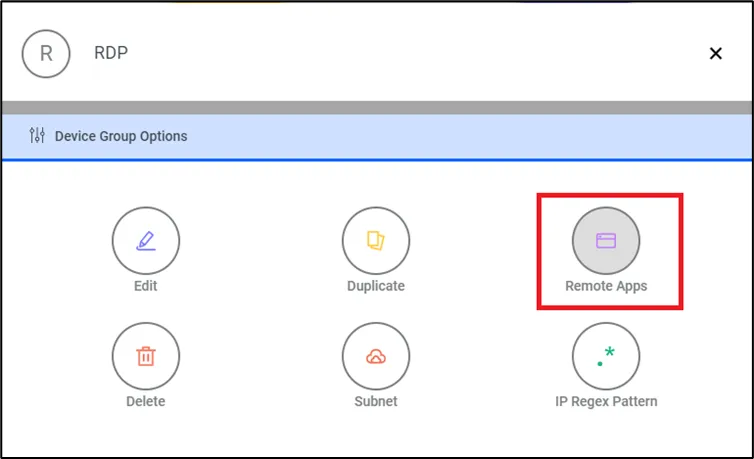
3. Select which application will be allowed for the devices in this device group.
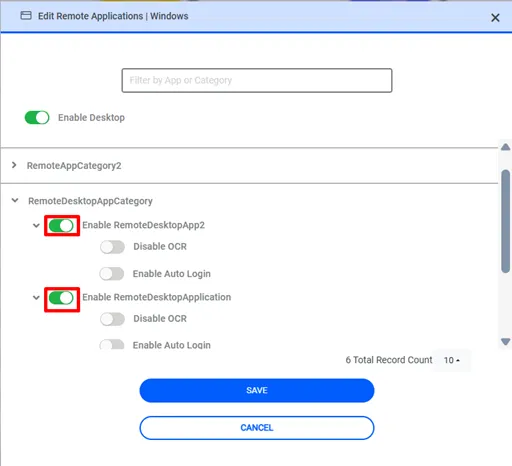
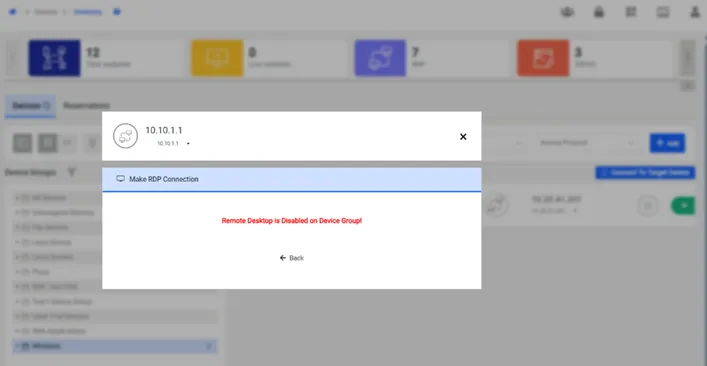
If the desktop is disabled for a device group, a user who tries to make an RDP Proxy connection to a device in that group will be warned that Remote Desktop is Disabled on the Device Group.
If the application’s path is different from the path defined in the Administration > Remote Desktop App configuration above, change the path on the device.
- Navigate to Administration > Remote Desktop App.
- Choose the desired Remote Application.
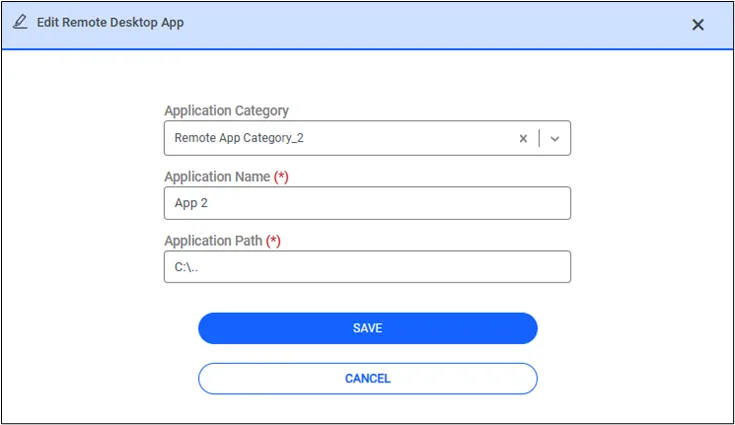
- Choose the Edit Remote Desktop App option.
- Add/Edit the application’s name and path.