Global Username/Password Connections
Predefined users in the target device group are called Global Users. To establish an RDP connection using such an account, and to make the global user password invisible to local users, the configuration outlined below must be in place, allowing Kron PAM to store the global user credentials to be used for the connection in its database.
- Navigate to Devices > Inventory > Device Groups.
- Right-click the device group and select the Edit option.
- Set the privileged target device username as Username.
- Set the account password as Password.
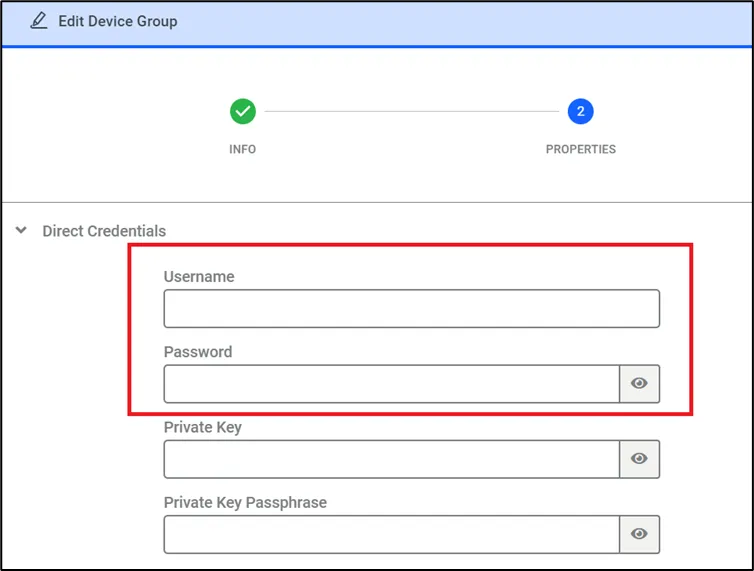
Device Group Properties