Device Inventory Export
Devices with SSH/Telnet or MSSQL access protocols can be exported to be used in other clients. SSH/Telnet devices are exported in the SecureCRT client format. MSSQL devices are exported in the SQL Server Management client format.
To export devices in the supported format:
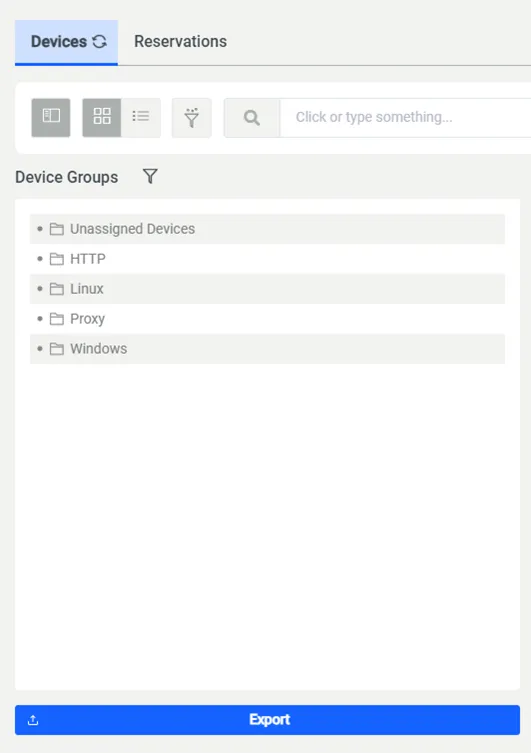
- Navigate to Devices> Inventory.
- Click the Export button at the bottom of the device group list.
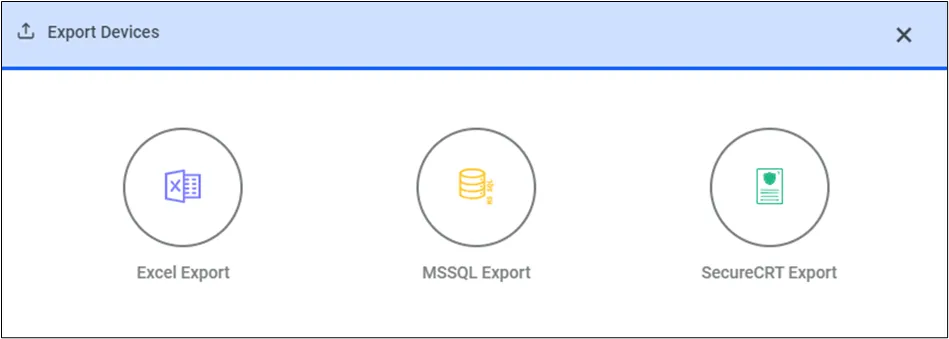
- Three options are displayed after clicking the Export button: Excel Export, MSSQL Export, and SecureCRT Export.
If you select Excel Export, the exported device list includes the device IPs and Device Groups in the realm to which the exporting user belongs.
If you select MSSQL Export, an XML file is exported in the regsrvr format. The exported file can be imported to the Registered Servers Field of the SQL Management Studio client for easy usage. When the Kron PAM IP address and the bind port related to the target MSSQL device are exported into the file, only the username and password are required to log in.
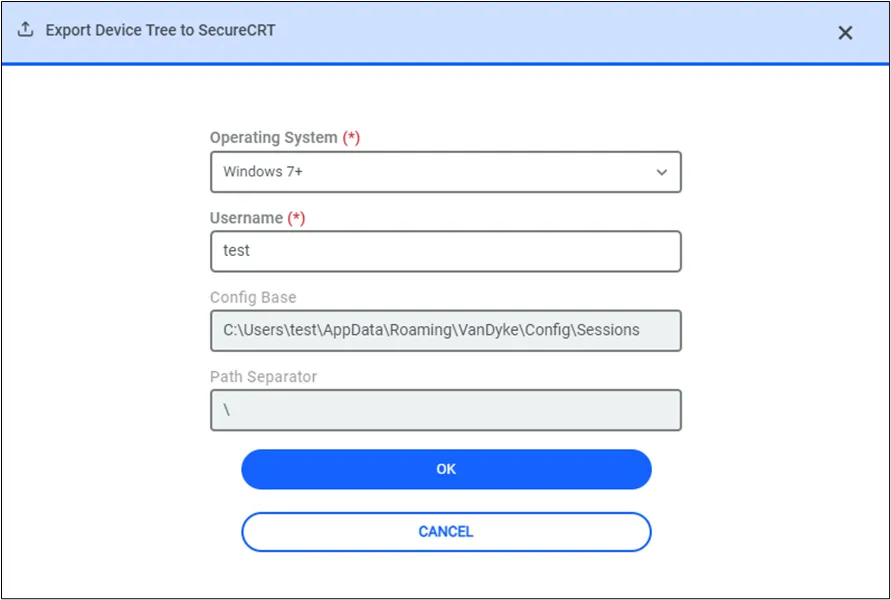
To export devices with SSH/Telnet access protocol, select SecureCRT Export.
Select Operating System and fill in the Username field, then click OK.