Creating Device Groups
Similar devices with the same access methods should be part of the same device group. It is best to create device groups before devices so that when a device is created it can immediately be included in a device group.
To create Device Groups:
1. Navigate to Devices > Inventory. 2. Click on the Add button and select Add Group. 3. Fill out the Device Group Name and (optional) Description fields. 4. Click Next and Save.
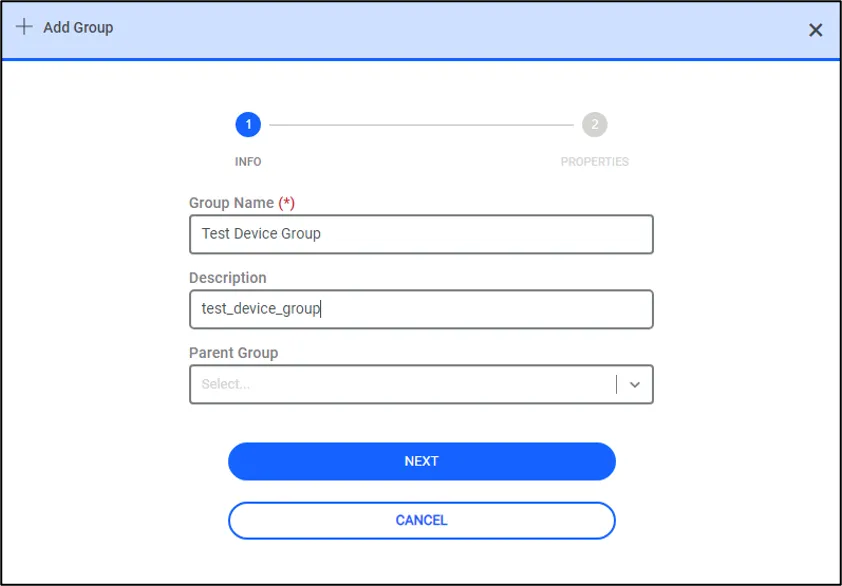
Creating Device Groups
A new device group can be created as a sub-device group as well. Sub-device Groups can only be created after a parent group has been created.
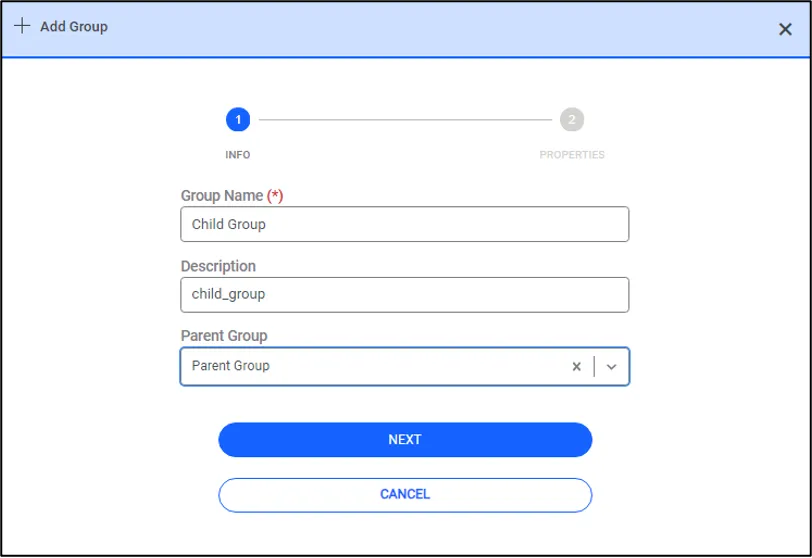
Creating Sub-device Groups
A device group level can house either devices or device groups. It cannot house both another device group and a device at the same time.