Bulk Edit Account
Although editing accounts can be done individually, sometimes the same information may have to be entered for multiple accounts.
Users can select multiple accounts by clicking on the account icon. After selecting the accounts, the Edit option will appear at the bottom of the search field. When the edit is done, the process will be applied to all selected accounts and their logs will appear in the Vault logs under Audit.
Some fields like account name, group, or device cannot be changed. Type, Description, Secret Notes, Private, Change Period, Owner, and Additional Info can be changed and assigned the same values.
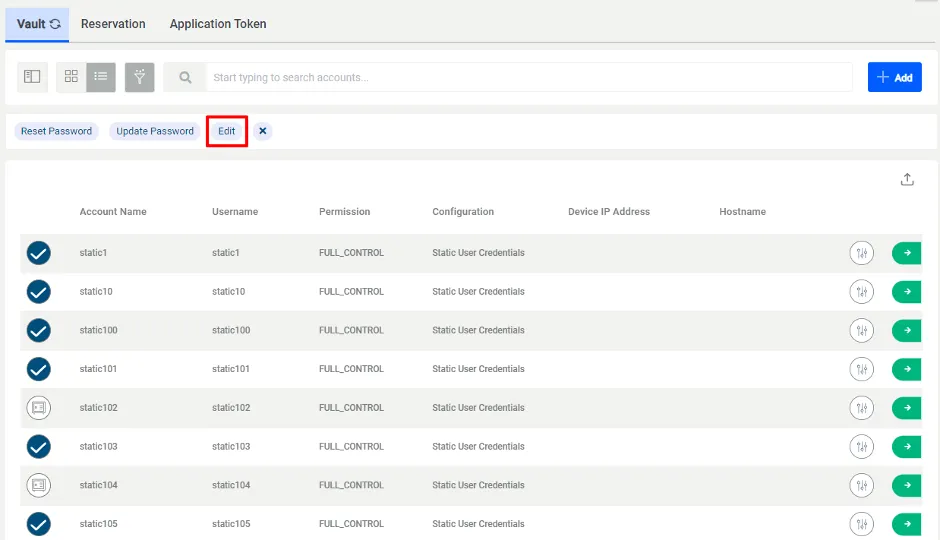
Bulk Edit Accounts