Assigning an Escalation Manager to an Account
Admin users can assign an escalation manager to a manager at each level, after selecting the manager for the account. The default approval time window is 30 minutes. If the manager does not take any action within that time, the request is forwarded to the predefined escalation managers. The amount of time after which the request is forwarded to the escalation manager can be changed in the configurations.
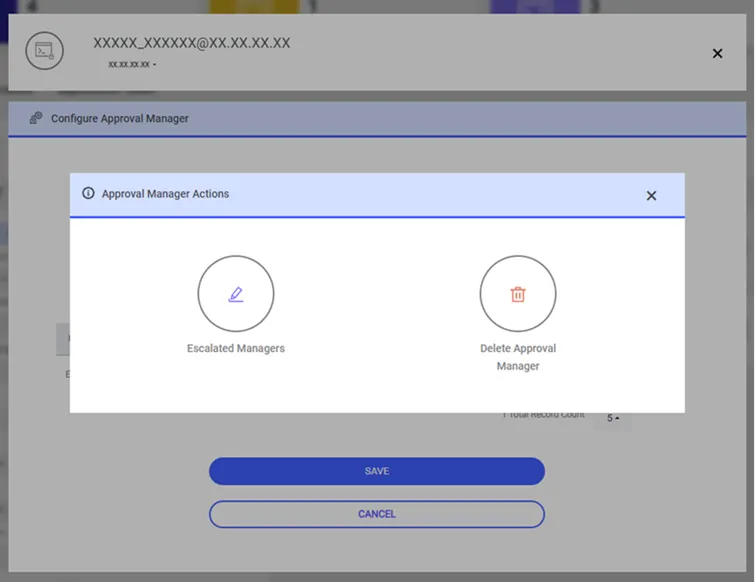
For managers in the Escalated group, the sapm.escalated.approval.request.timeout parameter will be set as the approval time. A new parameter will be defined and cannot be greater than what is defined in sapm.approval.request.timeout.
sapm.escalated.approval.request.timeout < sapm.approval.request.timeout.
sapm.approval.request.timeout: Approval time for managers at each level.
sapm.escalated.approval.request.timeout: Approval time of Escalated group at each level.
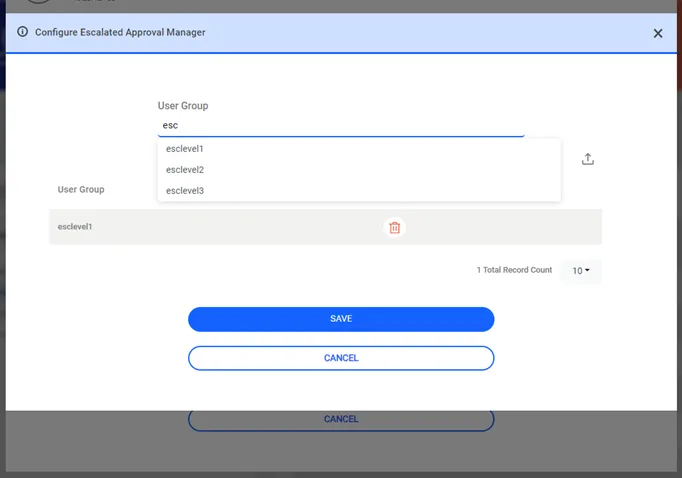
To assign an Escalation Manager to an Account:
- Navigate to Secrets.
- Open the Vault tab.
- Select the account to assign an approval manager, click the Options button, and select Configure Approval Manager.
- Select the approval manager to assign an escalated manager and click the Escalation button.
- Select an Escalation Manager User Group.
- Click Save.