Tenant Selection on Kron PAM Desktop Client
Tenants can be managed over the Kron PAM Desktop Client:
- Log in to the Kron PAM Desktop Client.
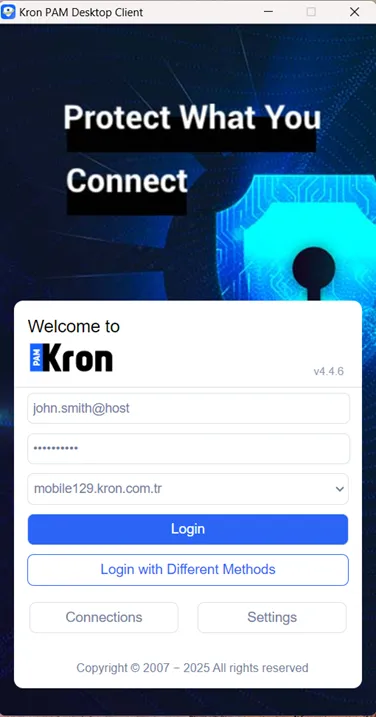
Log in to Kron PAM with Desktop Client
- Click the Home button to switch to tenants. A prompt will open to select from the available tenants.
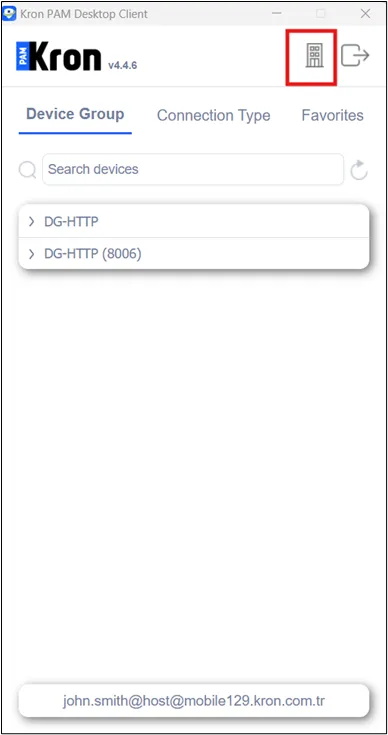
Switch to Tenant Side and Select the tenant
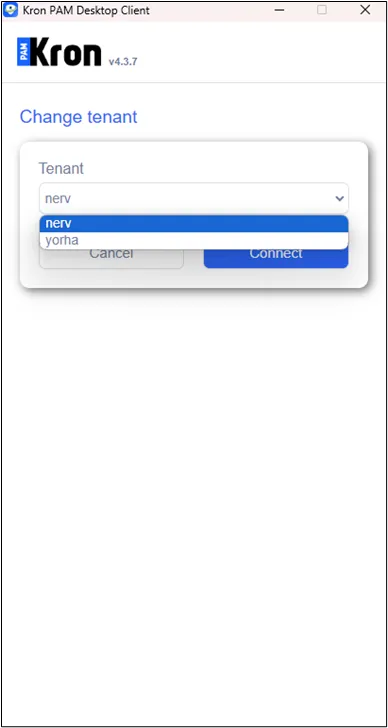
Switch to Tenant Side and Select one of the Tenants
After this, devices from both the host and tenant sides can be managed at the same time.
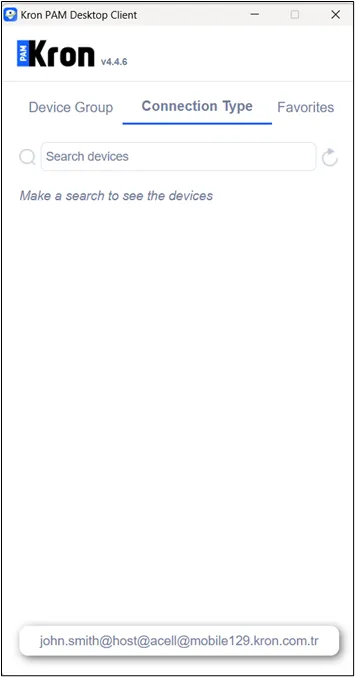
Manage Host and Tenant Side Devices Simultaneously with the Kron PAM Desktop Client