SIEM Server and Log Parameters Set up
To configure SIEM integration:
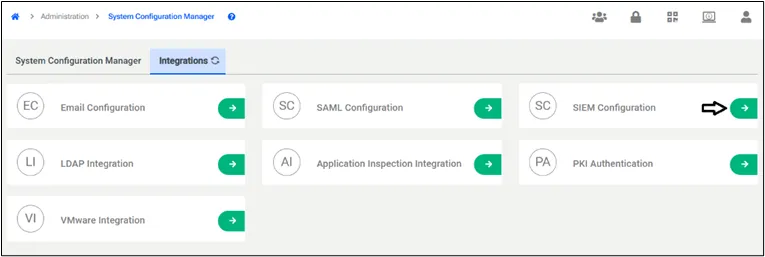
- Navigate to Administration > System Config Management > Integrations.
- Select the SIEM Configuration.
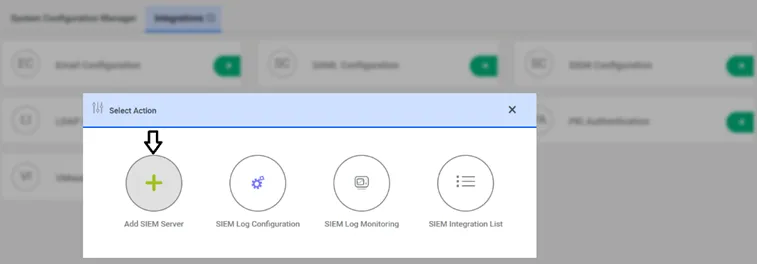
- Click to Add the SIEM server.
- Set the following parameters and click Save:
Parameter Name | Parameter | Default Values | Possible Values |
|---|---|---|---|
SIEM Host Name | syslog.server.hostName | - | 10.20.10.10 |
SIEM Port | syslog.server.port | 514 |
|
RFC Format | syslog.message.rfcFormat | RFC_5424 | RFC_5424, RFC_3164 |
Protocol | syslog.connection.protocol | UDP | TCP, UDP |
Content Format | syslog.message.content.format | KEY_VALUE | KEY_VALUE, CEF, LEGACY_CEF |
- Establish an SSH connection to the Kron PAM server and restart pam-gui with the command: systemctl restart pam-gui