SIEM Log Disable/Enable Property
Log recording can be stopped and started again manually.
To Disable or Enable the logs:
- Navigate to Administration > Integrations > SIEM Configuration.
- Select the SIEM Log Configuration.
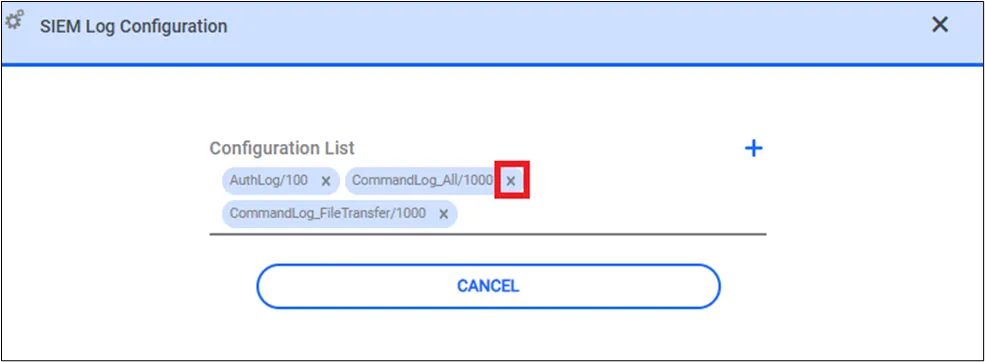
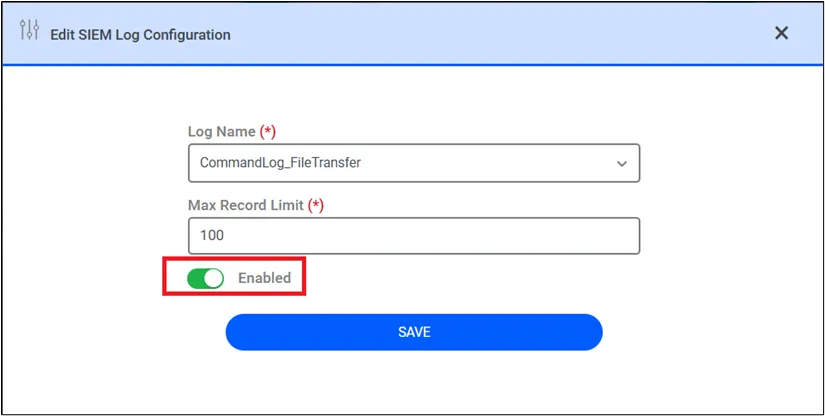
- SIEM logs can be enabled or disabled in the SIEM Configuration List on the SIEM configuration page by clicking the related configuration.
- SIEM log configurations can be deleted from the list.