SFTP Proxy Assigned Credential & User Session Usage
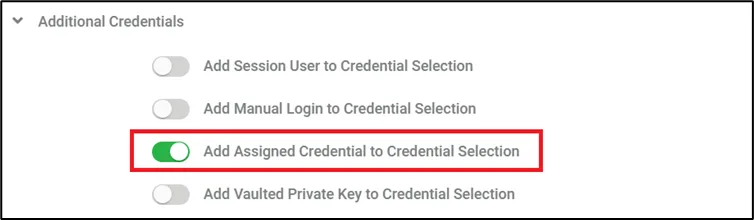
The Assigned Credential and Session User login options are usable for SFTP Proxy as well as other proxies.
The method of usage of these stored credentials differs from other proxies due to SFTP protocol technical limitations. Therefore, there will be neither pop-up nor redirection of the static page which contains the username part of the credentials.
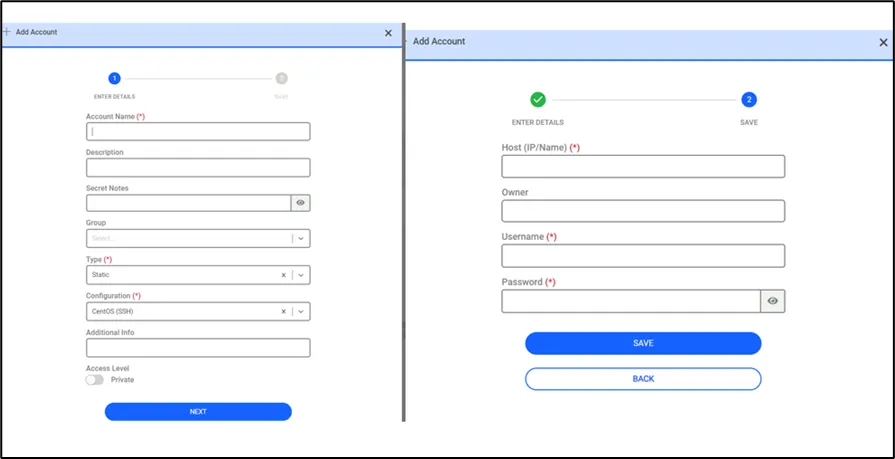
To use such credentials, they must be pre-created as described in the Assigned Credentials and Session User (LDAP/AD User) Connection sections.
After the relevant definitions are made, when more than one credential is assigned to the target device, the local SFTP client should be listed see images below.

To list only the accounts matching the relevant domain when listing users from the Vault account before the SFTP session, the following steps are followed:
- Navigate to Secrets > Configuration
- Choose Active Directory > Miscellaneous
- Open the Connection > Fill LDAP base DN according to the domain.
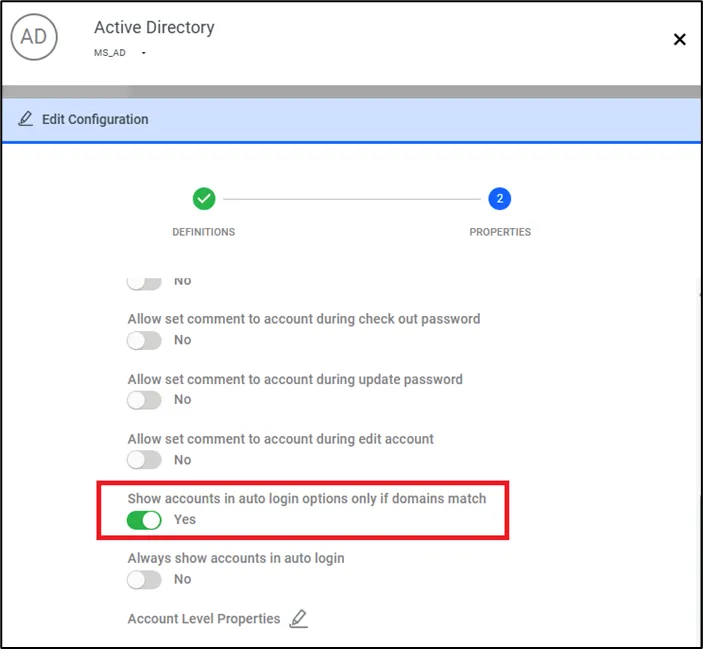
- Set Show accounts in auto login options only if domains match
- Navigate to Devices > Inventory > Related Device > Custom Properties
- Add auth.domain parameter key with LDAP domain name