RDP Idle Time Settings
To calculate idle time for RDP Connections in a defined time limit, follow these steps:
- Navigate to Administration > System Config Man. > Add New System Parameter.
- Set the parameter: nsso.remote.desktop.idle.threshold = “millisecond” (time limit to start the calculation of idle time.
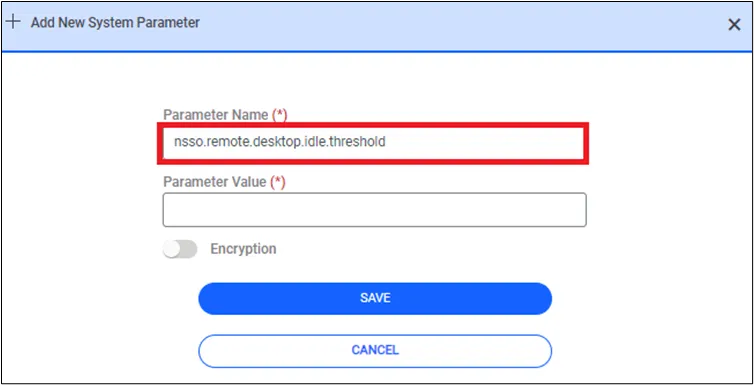
If the nsso.remote.desktop.idle.threshold property is not set in the System Config Man, the default value is set at 30000ms (30seconds).