Permit Zone for TACACS/RADIUS
Permit Zone feature for TACACS/RADIUS devices restricts user access to specific IP addresses or subnets. Only users accessing the IP addresses or subnets defined from Permit Zone can connect to the TACACS/RADIUS devices when this feature is activated. Access attempts from a different Client IP will be denied. Additionally, you need to disable the Direct Access option in the user group to use this feature. This ensures users can authenticate only from the specified IP/Subnet range.
To configure Permit Zone:
- Navigate to Policy > Permit Zone.
- Click the +Add button.
- Enter the IP Address or Subnet and select the username.
- , you need to disable the Direct Access option in the user group to use this feature
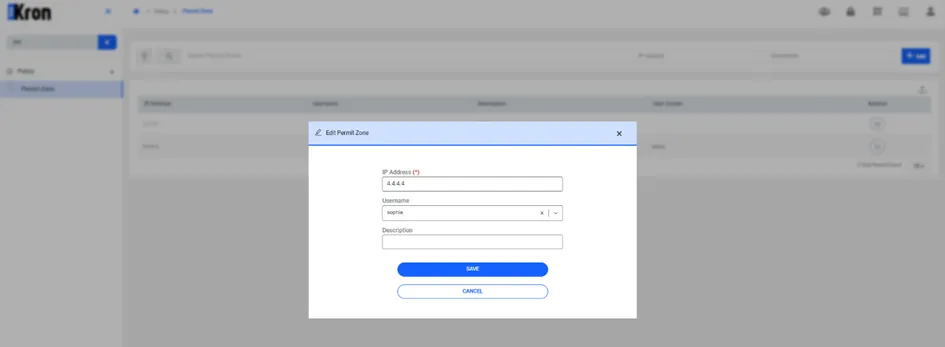
Add Permit Zone