Adding a New Password Vault Group
To create a Password Vault Group:
- Navigate to Secrets > Vault.
- Open the Vault tab.
- Click the Add Button and select the Add Group option.
- Enter the Group Name, Description, and Parent Password Vault Group fields and click Save.
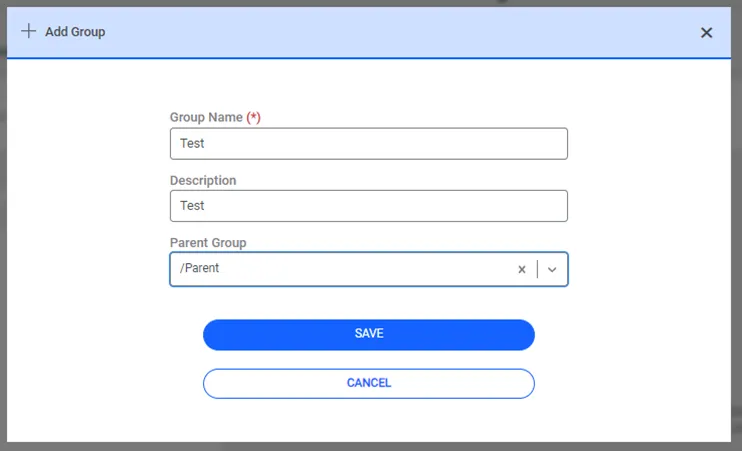
Adding a new Password Vault Group
After saving, new groups are listed in the Password Vault group tree.