Web Application Password Management
Kron PAM can change web application passwords and uses the Selenium extension for web browsers to create a template for the applications. To change the web applications passwords, the password change template should be saved once and the related Vault configuration should be created in the Password Vault.
- Install the Selenium IDE plugin for Chrome or Firefox browsers.
- Start the Selenium IDE plugin and start recording a new project.
- Log in to the web application and change the account's password.
- Save the project as a side file.
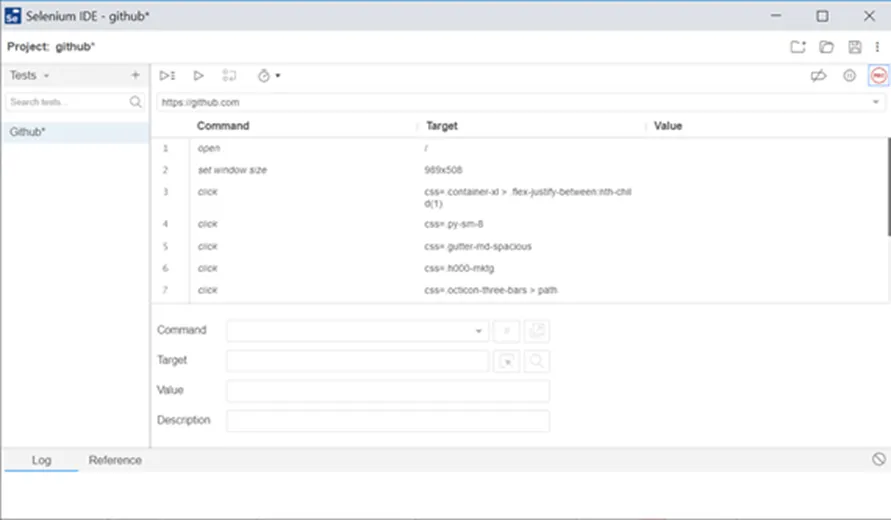
Recording Password Change Template with Selenium IDE
- Edit side file with a text editor application. Change old passwords with ${oldPassword}, change new passwords with ${newPassword} variables, and save the file.
- Log in to the Kron PAM Web UI.
- Navigate to Secrets > Vault Configuration tab.
- Create a new configuration: select Web App as Strategy, and enter the configuration name and description.
- Select the Properties.
- Create a new property with the key change.password.template.side.file. Copy the side template as the property value.
- Save.
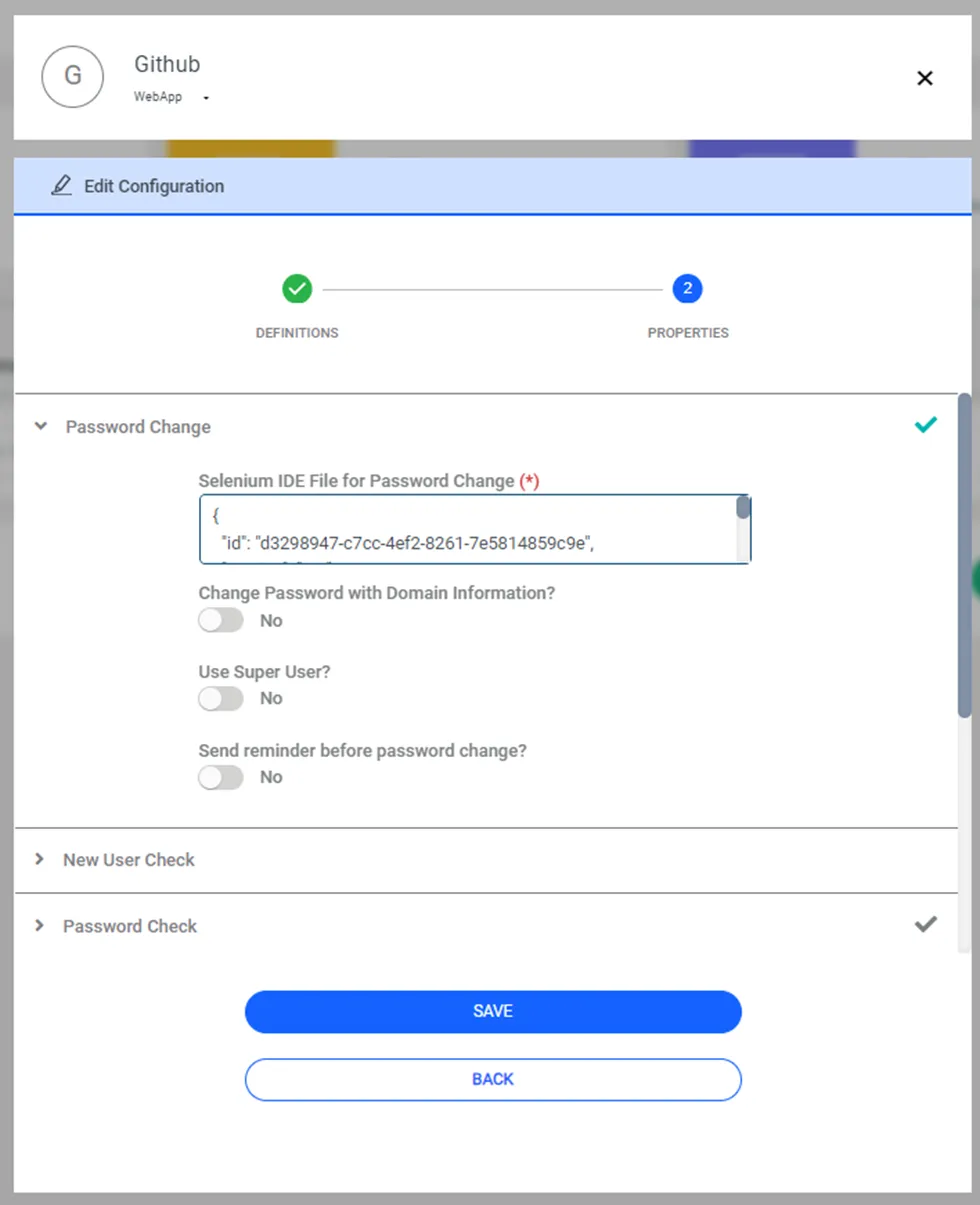
Vault Configuration for Web Application