Requesting Passwords from Application Token
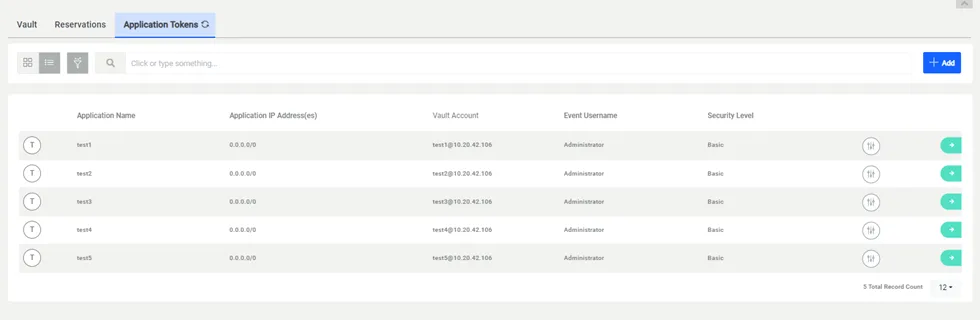
The Kron PAM Application Token RESTful API should be used to request passwords. Each Application Token account needs to authenticate itself using its token, which is revealed after the account creation. AAPM account tokens can also be displayed in the Application Token tab.
RESTful API parameters used for Application Token password checkout:
- token: The Application Token Account token
- passwordExpirationInMinute: Password expiration time
Possible values are taken from the aapm.show.password.expiration.time.values property in the System Config. Man. screen. If it is not defined, the possible values are taken from the sapm.show.password.expiration.time.values property. The default value is 5m,30m,2h,24h. Options are separated with commas (“,”), “m” stands for minutes, and “h” stands for hours
- comment: The password request comment
- passwordChangeRequired: Optional parameter with the default value set as “false”. If “true”, the password is changed before retrieval, otherwise, the password is changed after retrieval
- SapmAccountPath: The account path of the linked Account
- SapmAccountName: The account name of the linked Account
- responseType: By default, it is the default response type (plain text for dynamic accounts). This value can also be set as “JSON” to receive the responses in JSON
- pin: The PIN code sent to the application for PIN authentication
- tenantId: If the multitenancy structure is active, it is specified from which tenant the request is sent.
Application Token RESTful API Request Example
Basic Method
The password is accessed as a result of the request sent with the correct parameters.
https://single_connect_url:443/sc-aapm-ui/rest/aapm/password?passwordExpirationInMinute=30&passwordChangeRequired=true&comment=COMMENT&token=c5838228-61ec-4b47-b72d-af0321db24b7&sapmAccountPath=/test&sapmAccountName=test&responseType=JSON&tenantId=HOST
Pin Method
The first request:
The first request:
https://single_connect_url:443/sc-aapm-ui/rest/aapm/password?passwordExpirationInMinute=30&passwordChangeRequired=true&comment=COMMENT&token=c5838228-61ec-4b47-b72d-af0321db24b7&sapmAccountPath=/test&sapmAccountName=test&responseType=JSON&tenantId=HOST
The second request: (which is applicable for all Security Levels that require PIN authentication):
https://single_connect_url:443/sc-aapm-ui/rest/aapm/password?passwordExpirationInMinute=30&comment=COMMENT&token=c5838228-61ec-4b47-b72d-af0321db24b7&sapmAccountPath=/test&sapmAccountName=test&responseType=JSON&pin=123456&tenantId=HOST
AAPM RESTful API Response Example
x5#OKLE5 (the password)