Password Vault SSH Key Rotation
1 min
Even though the passwords for the privileged accounts are changed, rotated, or stored by the Password Vault module, users who have downloaded RSA Private Keys for their accounts continue logging in to the systems with these private keys. To prevent this, SSH Keys can be changed by the Password Vault module periodically as well.
To add an SSH key Password Vault:
- Navigate to Secrets > Vault.
- Open the Vault tab.
- Click on to Add Button and Select Add Account.
- Enter the Host, Change Period, and Username.
- Select One of the SSH Key Types as the Configuration. This action changes the Password field to an RSA Private Key field.
- Establish an SSH connection to the target device and copy the contents of the /home//.ssh/id_rsa file (or any other path that includes the RSA Private Key for the user)
- Paste the file into the RSA Private Key field.
- Click Save.
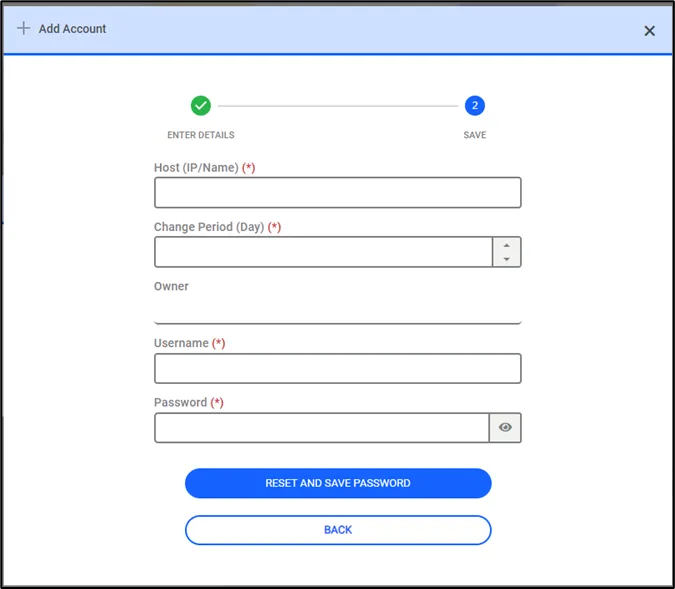
SSH Key defining in the SAPM Accounts page
The Password Vault account will be saved and listed in the Password Vault Accounts section. From this moment on, if the account type is dynamic, the SSH Key will be changed periodically. If the account type is static, the SSH Key will be unchanged.
The process of checking out and resetting the SSH Key is similar to any other Password Vault account.