License Manager
2 min
The Kron PAM License Manager enables the software’s licensing model based on module, device count, user count based on proxy, admin count, MFA user count, concurrent SSH/Telnet sessions, concurrent RDP sessions, total concurrent sessions (RDP+ SSH/Telnet), Container and Container host count, Tenant count, Linux and Windows agent count, Remote access portal user and Expiration time. Only Kron PAM admins can manage the License Manager.
To upload a new license file:
- Log in to the Kron PAM Web GUI.
- Navigate to Administration > License Manager.
- Click Upload a license and select the license file.
- Establish an SSH connection to Kron PAM on port 22 and list all services by runnings ks command.
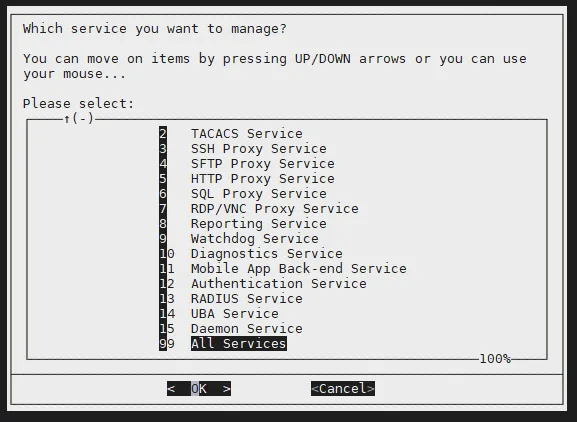
List Services
- Select All Services and restart services.
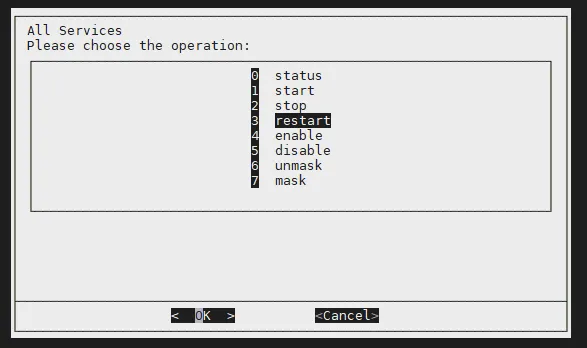
Restart Services
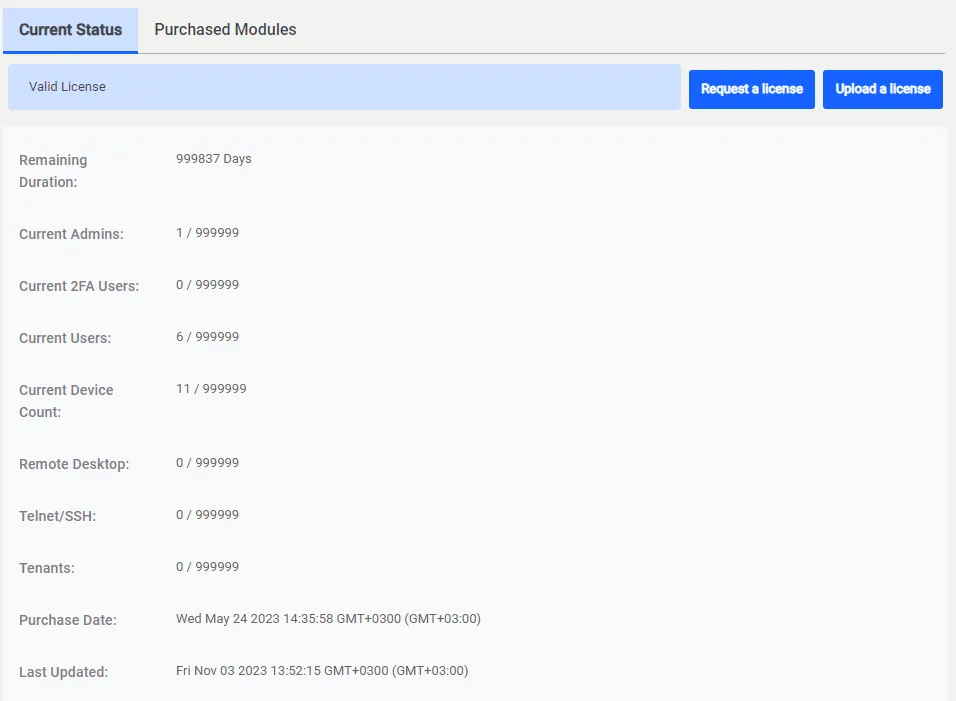
License Manager