Device Auto Discovery
Device Auto-Discovery can be used to scan a network subnet or existing devices in device groups. To discover devices some parameters should be added to the related element types:
- Navigate to Device Management > Element Type.
- Select an element type to set the required parameters and click the Options button, then the Show Properties button.
- Set the following parameters: discovery.commands.hostname: Command to get the hostname discovery.commands.hostname.pattern: Regex to get the hostname from the output of the hostname command discovery.commands.version.command: Command to get the version discovery.model.match.regex: Word or regex to be matched to the output of the version command discovery.name.server.lookup.hostname: Set as true or false. The default value is false. It allows for device discovery with the hostname, by executing the command nslookup.
Global username/password and/or subnet addresses should be set on the device groups. To use Global username/password to discover subnets or existing devices:
- Navigate to Device Management > Device Groups.
- Right-click on the device group to be discovered and select Show Properties.
- On the Device Group Properties Information screen, select globalUsername and globalPassword as the Property Key, enter the related information, then Save each property.
To add a subnet to discover subnets:
- Navigate to Device Management > Device Groups.
- Right-click on the device group to be discovered and select Add/Edit Subnet
- Set subnet information and Save.
Auto-discovery steps:
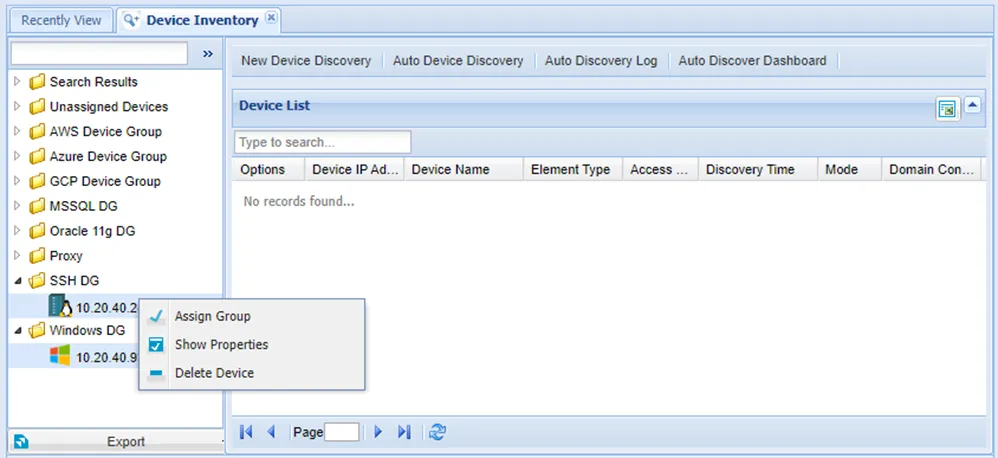
- Navigate to Device Management > Device Inventory.
- Open the Auto Device Discovery tab.
- Fill out the relevant device discovery information and click Discover.
- Fill out the relevant device discovery information and click Save Scheduler.
The Auto Discovery screen elements are:
Access Protocol: Protocol to discover devices. If the SNMP protocol is selected, the protocol to change after the discovery should be selected.
Possible Element Types: Possible element types in the search range. Devices will be matched with these element types.
Discover Type: If a Subnet is selected, the subnet of the device groups is scanned. If Existing Devices is selected, the existing devices in the selected device groups are scanned for changes.
Cron Expression: If the user wants to scan for devices periodically, a cron expression should be entered.
The Device Auto Discovery feature can be used for existing devices. It allows for the discovery of devices that have had their properties changed, such as the IP of a Linux device that has been converted to a Windows RDP device.
The Device Auto-Discovery Logs show the results of the device auto-discovery. Logs can be searched by using different variables, such as date, time, login success, device IP, etc. Please refer to the Logging section for more in-depth information regarding logs and logging.