Assigned Credentials Bulk Import
To add assigned credentials in bulk:
- Navigate to User Management > Assigned Credential.
- The Bulk Import screen opens.
- Click Download Template.
- An Excel file named AssignedCredentialBulkImportTemplate is downloaded.
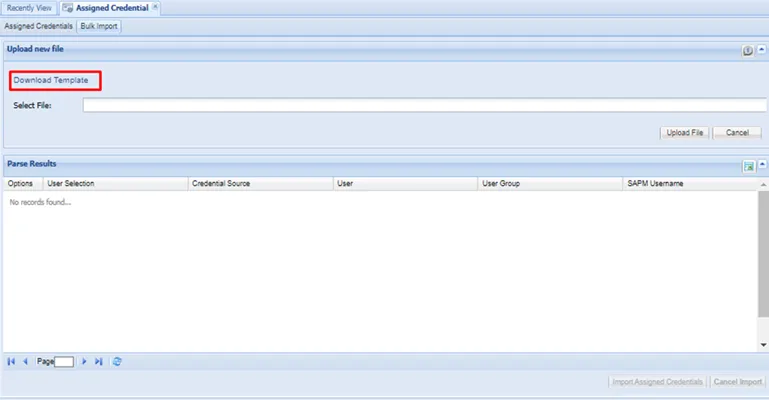
Download Bulk Import File
Open the template file and enter the user’s information as described in the column descriptions.
- Save the template file on your computer.
- On the Bulk Import screen.
- click Browse and select the template file you saved.
- Click Upload File to add the assigned credential list to the Parse Results section on the Bulk Import screen.
- Click Import Assigned Credentials.
You added the assigned Credentials to their specified user in the credential list.