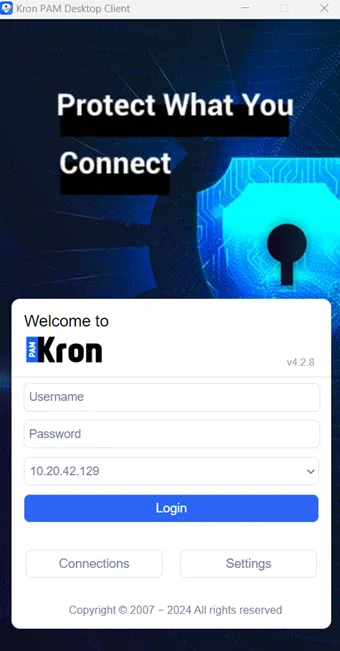
Setting Up Desktop Client for Windows
4 min
Step 1: Download the desktop client.
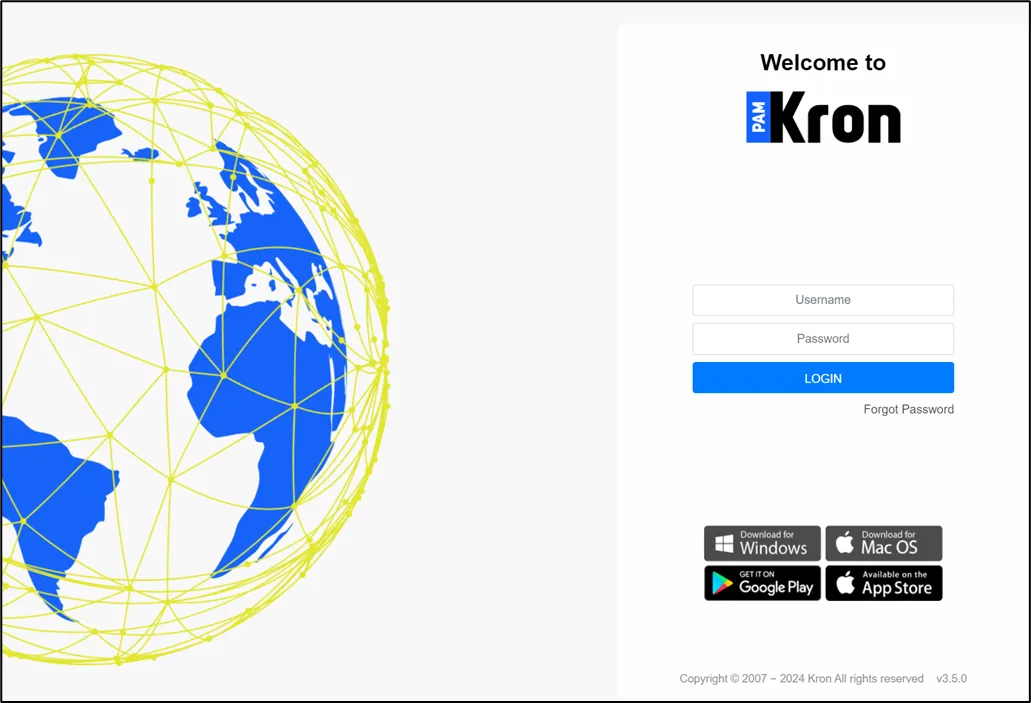
- Open the Kron PAM Web GUI in your browser.
- Click Download Desktop Client.
Step 2: Set up the desktop client.
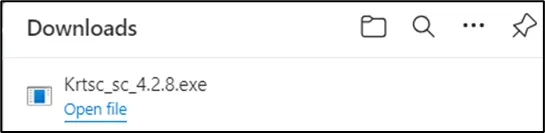
- OpentheKrtsc_sc_4.2.xxx.exe installer file.
- If the existing desktop client version is older than 4.2.7, the warning pops up and asks permission to remove the old version, before the new version instalment.
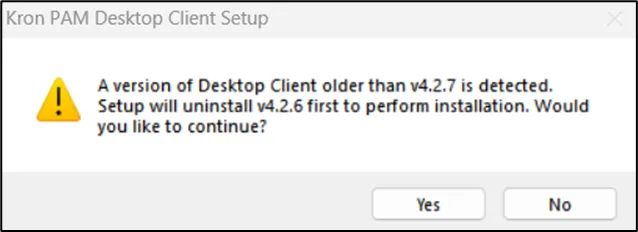
- Press Yes button to continue.
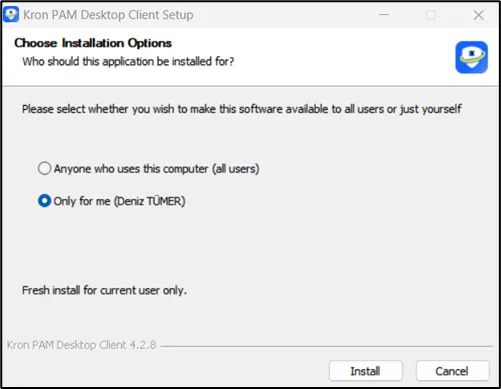
- The installer asks which users will be allowed to use the Kron PAM Desktop Client software. Either all users or current user can be selected and after that press the Install button.
- The desktop client launches when the installation is completed.