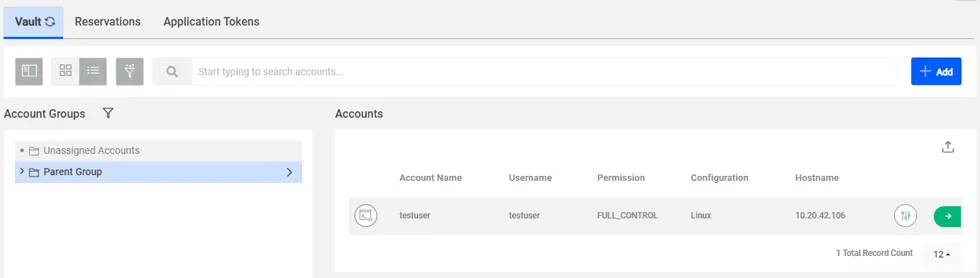
Managing Account Groups
3 min
You can create your Account groups. You can add accounts to these groups, assign permission privileges through the groups and share the groups with different user groups.
To add Account groups, you must have permission to see the Account Group Management tab. Contact your administrator.
To add Account Groups:
- Navigate to Secrets.
- Open the Vault tab.
- Click on to Add Button and Select the Add Group option.
- Fill in the Group Name and Description.
- (Optional) Add your group under a Parent Account Group.
- Click Save.
To assign permissions to the Account group:
- Right-click on the Account group and select Permissions.
- Select one of the options.
The permission applies to the accounts in the group/subgroups.
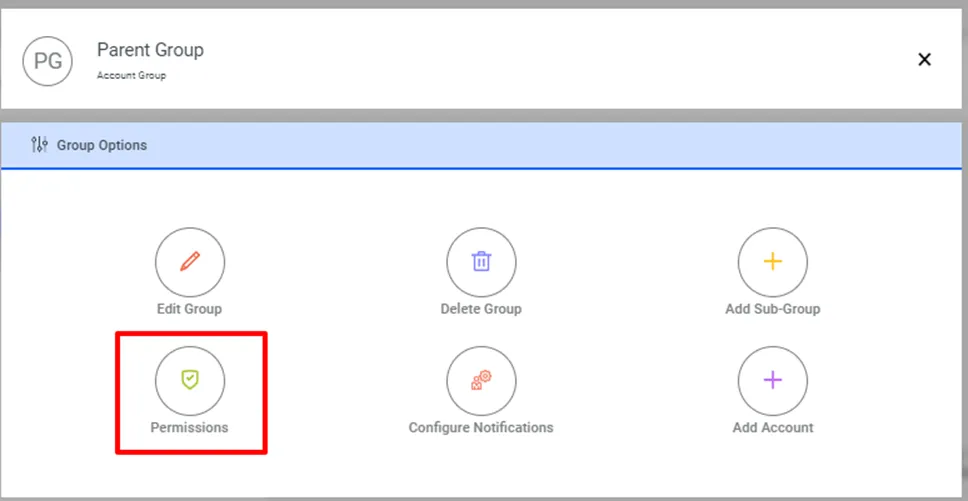
Permissions Option
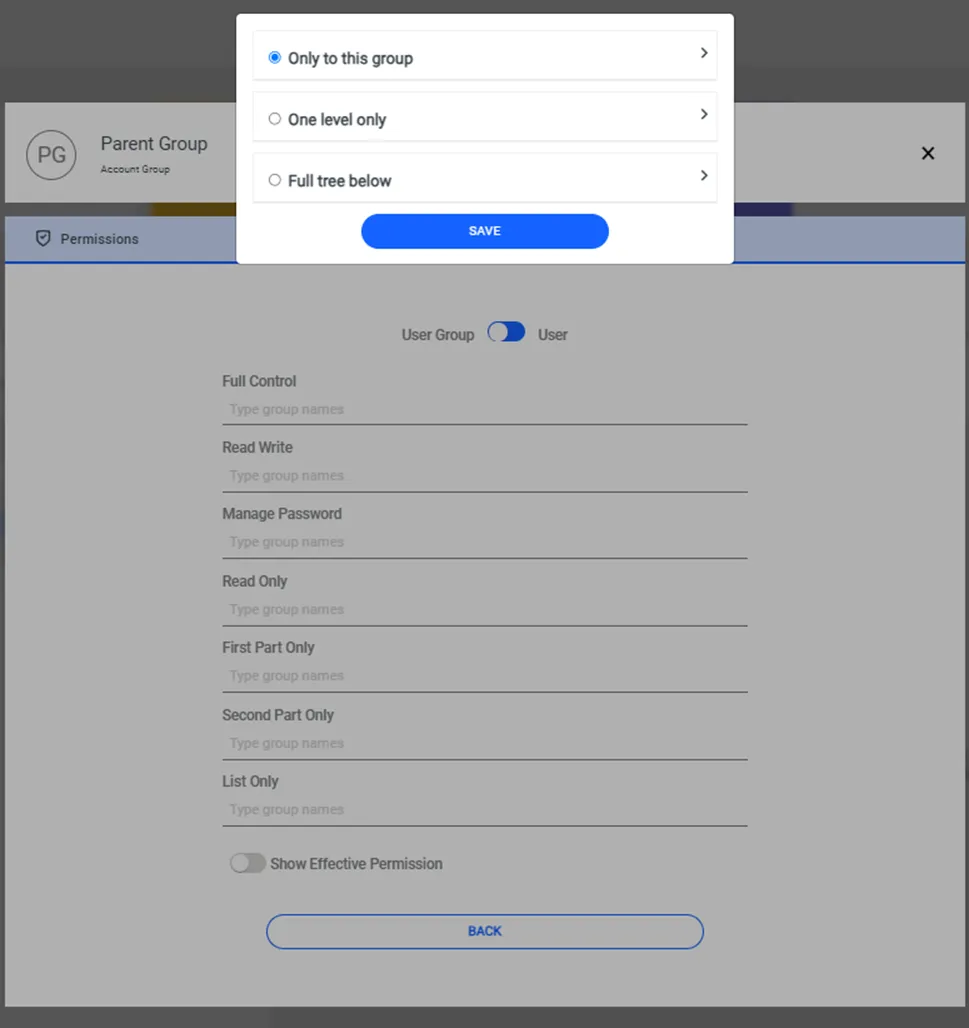
Assign Permissions to the Account Group.
To add accounts to the Account group:
- Click on Account group options.
- Search and add the desired accounts and click Add Account.
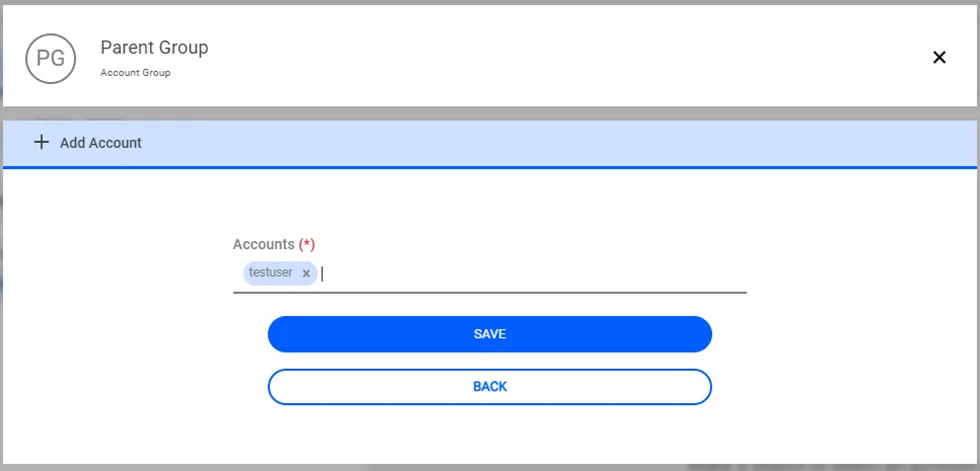
Add an account to the Account group.