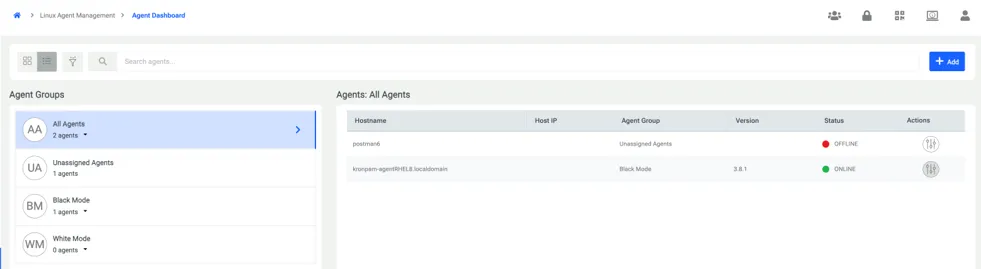
Agent Dashboard
Agent dashboard is the page where the user can interact with the whole agent installed machines and make a variety of configurations. In addition, user can display information about agent installed machines such as Hostname, Host IP, Agent Version etc.
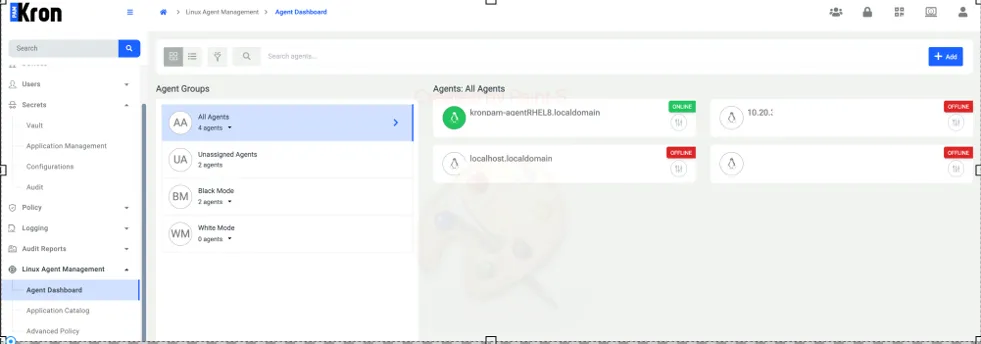
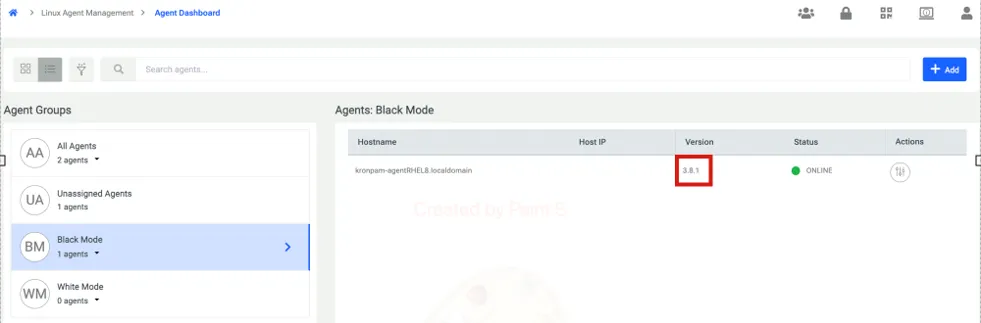
On the Agent Dashboard, when the All Agents tab is selected and agents are displayed in the list view, several actions can be performed using the Action button.
Through this button, you can execute operations such as:
· Start / Stop: Managing the operational state of the agent.
· Uninstall: Removing the agent from the target server.
· Delete: Removing the agent record from the dashboard.
· Heartbeat Check: Manually verifying the connection status between the agent and Kron PAM.
For more comprehensive details on managing these tasks, please refer to the Remote Operation section.