Options Menu
0 min
In the sub-function’s search results, the left column includes an options button, which opens a menu with available actions for that row item. For example, in the User Accounts sub-function, let’s filter the users by username starting with test. We enter the test in the username text box and click Search. The results will be shown in the Search Results frame. We now select a user and click the options menu button. In this menu, we can edit, delete or change the user’s properties.
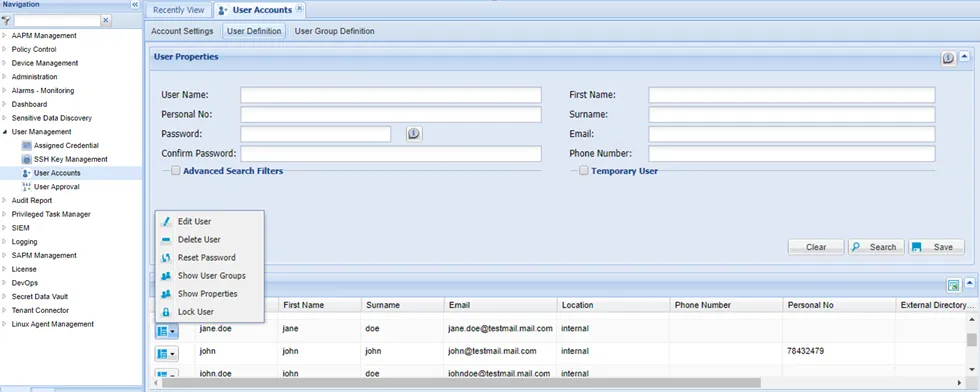
Figure - Options Menu in the Search Results frame