HTTP Proxy MFA Configuration
2 min
To enable MFA for HTTP Proxy:
- Establish an SSH connection to Single Connect as the root user.
- Edit the proxy.properties file with the command: sudo vi /u01/http-proxy/conf/http_proxy.properties Search for http.proxy.otp.enabled parameter and set as true: http.proxy.otp.enabled=true Check the configuration file to see if the parameter above is already configured in it. If not, add the lines below. If there is a hash (#) sign in front of the parameters, delete the hash (#) sign to activate the parameter. If the parameter value is false, change it to true. To type or add anything in vi editor, first press the Insert button on the keyboard, then type the necessary line. Press Esc to exit typing mode. To save the file press Esc, then colon (:), type in wq! and press Enter. If you do not want to save the changes to the file, press Esc, then colon (:), then type in q! and press Enter.
- Restart the HTTP Proxy with the command: sudo systemctl restart pam-http
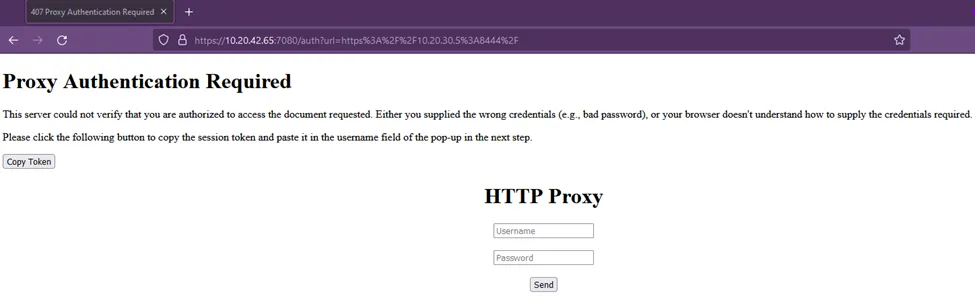
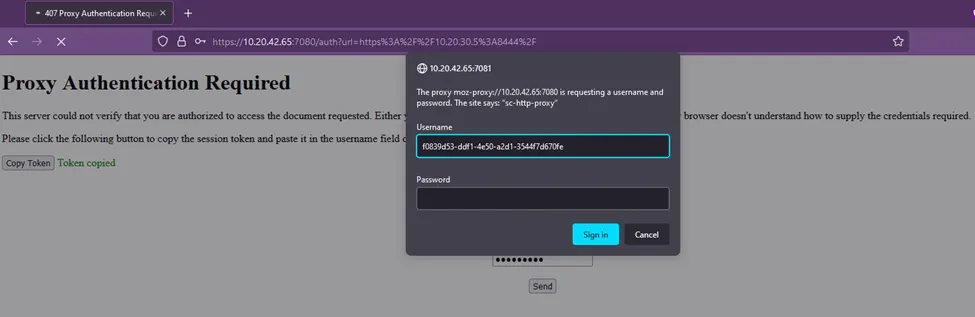
- After these steps, OTP will be required following HTTP Proxy log in.