Editing Existing Tenants
1 min
The System administrator can edit existing tenants:
- Navigate to Administration > Tenant Manager.
- Click the logo of the tenant to be edited.
- Change the fields to be edited (Field descriptions can be found in the section Adding a New Tenant . The Tenant Id cannot be changed. Once the admin user logs in for the first time, the Admin Email cannot be changed)
- Click Save.
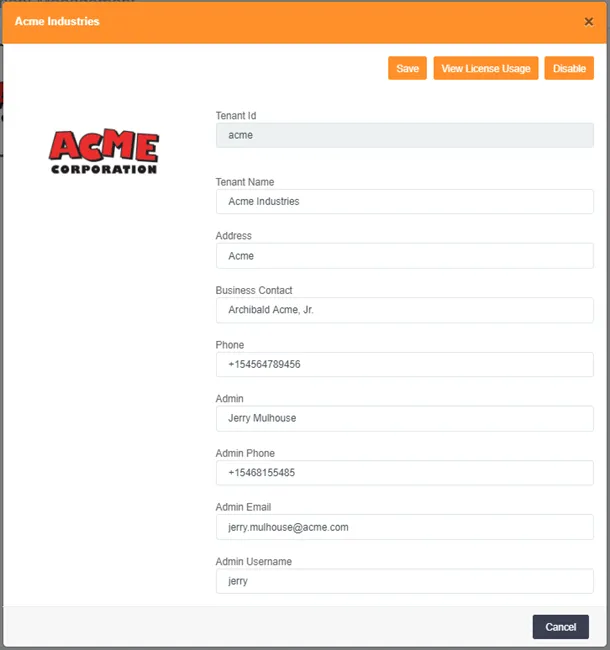
“Edit Tenant” dialog box