5.2 Online Mode
1 min
Online Mode
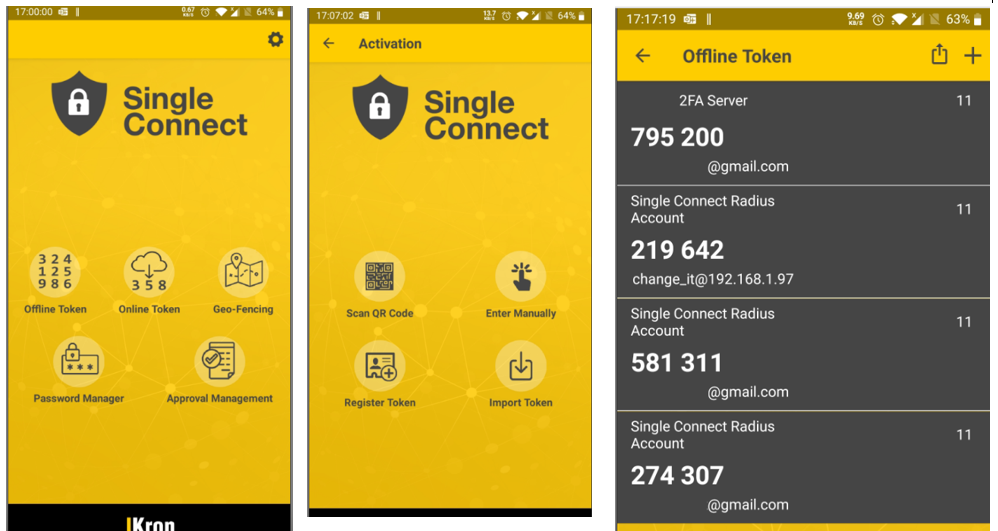
1. Download Single Connect Mobile Application from App Store or Google Play Store. 2. Open Single Connect Mobile Application. For the first time, set Single Connect URL in Settings menu. 3. Navigate to Online Token 4. Enter username and password and press the "Login" button. 5. When new token triggered by Single Connect, a notification which includes token will be appeared on mobile application.
Online Token Mode
SMS
When new token triggered by Single Connect, token will be sent to user with SMS.