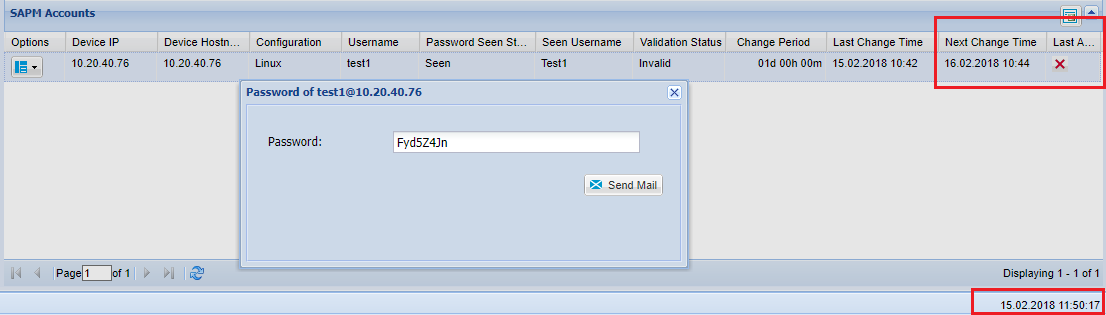
4.1 SAPM (Shared Accounts Password Management) Accounts
Create One-Time Password
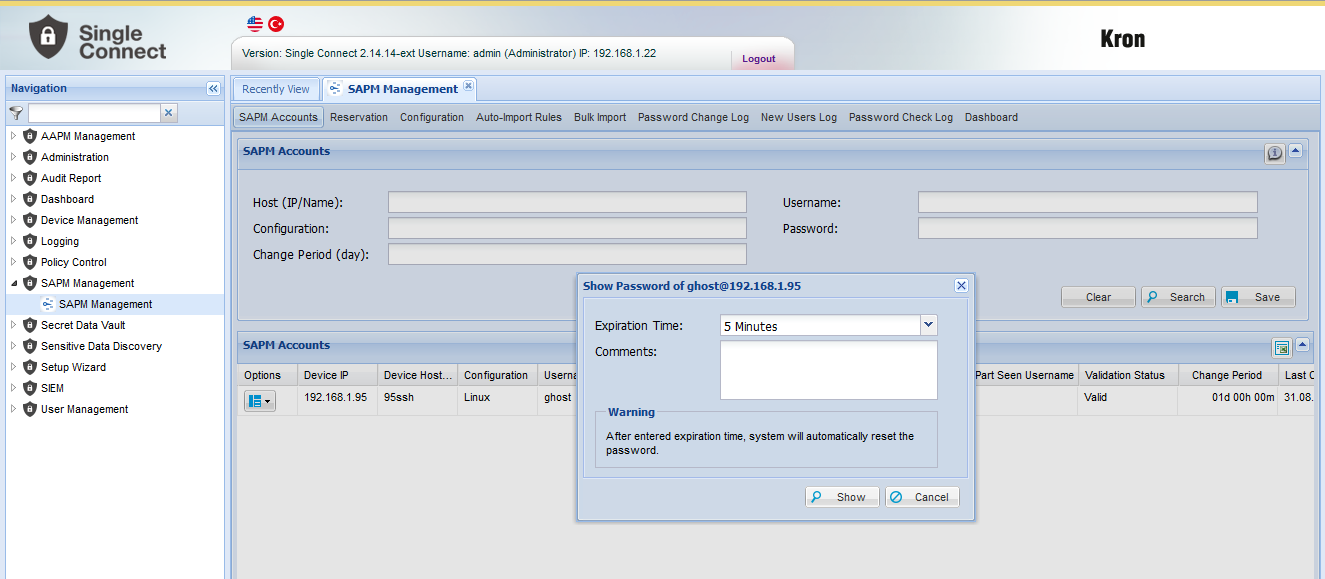
1. Login to Single Connect Web GUI 2. Navigate to the SAPM Management - SAPM Management section 3. Open SAPM Accounts tab 4. Select the user to be seen one-time password 5. Specify reason for accessing password (optional) 6. From User Options drop down menu, click Show Password. Pop-up appears to choose expiration time.
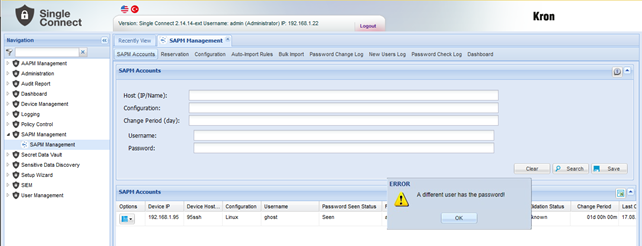
• If the password has taken from another user, an error massage appears.
Note |
|---|
If "allow.seen.by.multiple.user" property is set, the SAPM password can be seen by the same user group at the same time. |
Note |
|---|
If "allow.seen.by.multiple.user" property is set, the SAPM password can be seen by the same user group at the same time. |
When the password access time of user who retrieved password expires, the password is automatically reset. |
If the password is not reset due to some exceptional cases, the user who retrieved password last continues to see the same password even though the password access time of has expired.