2.1 Logging into Single Connect
You can log on to Single Connect with a password for the first time. You have to change the password after your first login. This will be forced by the system, if it is configured so.
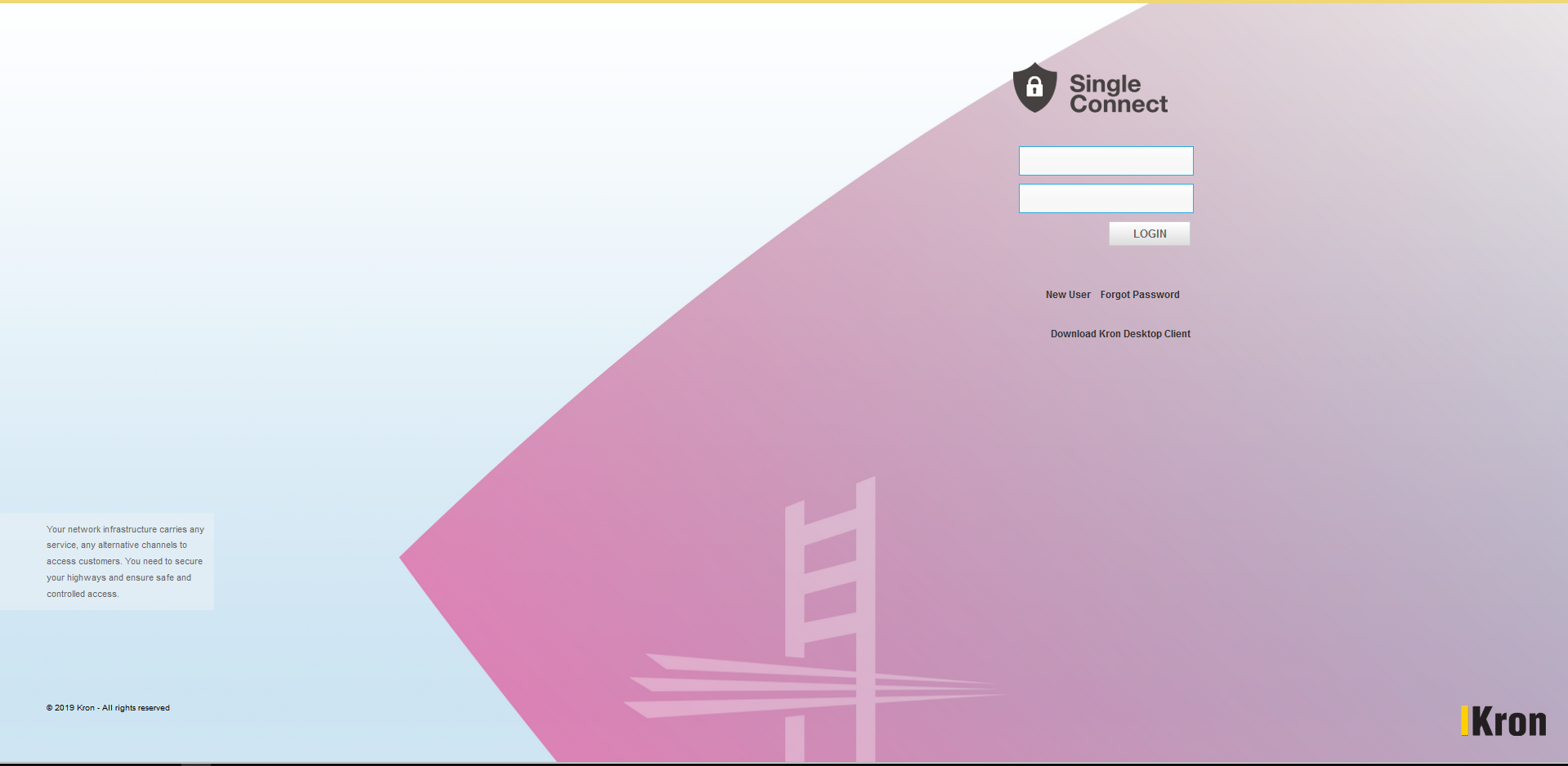
1. Login to Single Connect Web GUI (https://single.connect.local.host:80)
2. Type your username and password provided into the appropriate edit boxes, then click Login, Single Connect controls password vault and authenticates and grants access.
• If you forgot your password you can click on I forgot my password button.
• If there is CAPTCHA enabled, you have to type correct CAPTCHA to login.
• If you fail more than defined times your account will be locked
LDAP Authentication
1. Use your LDAP login name and password to access the system. Single Connect will control your credentials using LDAP records and grant you access accordingly.
2. If you fail to login, contact your admin to control your LDAP credentials.
Radius Authentication
1. Use your Radius login name and password to access the system. Single Connect will control your credentials using Radius records and grant you access accordingly.
2. If you fail to login, contact your admin to control your Radius credentials.
TACACS+ Authentication
1. Use your TACACS+ login name and password to access the system. Single Connect will control your credentials using TACACS+ records and grant you access accordingly.
2. If you fail to login, contact your admin to control your Radius credentials.
Note
LDAP, RADIUS and TACACS+ definitions are configured and tested by system admin during deployment