Tenant Management Requirements
The following requirements need to be satisfied before using the Tenant Management module:
- Software License File: The Kron PAM MULTITENANCY license grants access to the Kron PAM Tenant Management interface and functions. The license file should be ready before installation.
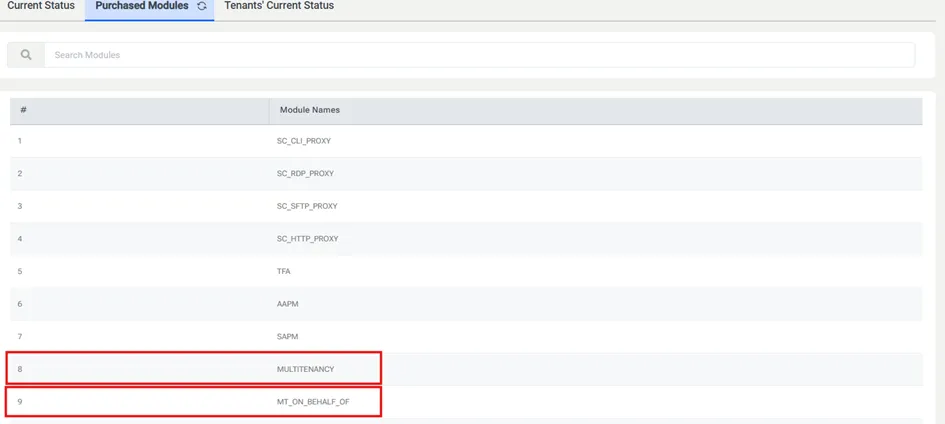
MULTITENANCY license module is mandatory, whereas MT_ON_BEHALF license module is optional and should be purchased if the “access on behalf of” feature will be used.
- Email Settings: The e-mail settings should be completed before initiating tenant definitions. This is a requirement, as the system needs to send activation emails to tenant administrators as the tenants are defined (see the section Email Server Configuration for more information).
Alternatively, in case the email settings can not be completed (e.g., due to the lack of SMTP configuration), the tenant activation can be finished by resetting tenant’s admin password through the Reset Password via Link button on the Tenant Action model.


By clicking Reset Password via Link button, the reset password link (identical to the link which is sent by Reset Password via Email button), copy-to-clipboard button and the cancel button are shown in the modal screen. Use the reset password link on any web browser to reset tenant’s admin password.
