Saving a Chart
Use the Save chart window to save the chart and, optionally, add it to a dashboard.
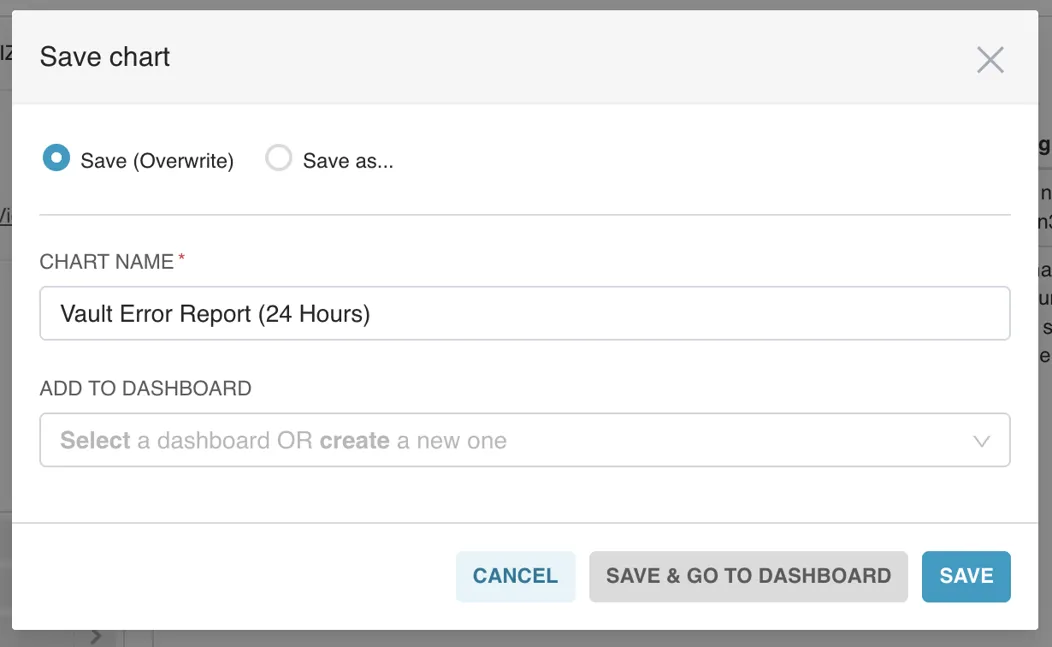
Save chart window
To save the chart:
1. Select a save option:
o Save (Overwrite): Replaces the saved chart with your changes.
o Save as...: Saves the chart as a new chart.
2. In the Chart name field, type a name for the chart.
3. Optional: In the Add to dashboard field, select an existing dashboard, or type a name to create a new dashboard.
4. Save the chart:
o Click Save to save the chart.
o Click Save & go to dashboard to save the chart and open the dashboard.
To close the window without saving the chart, click Cancel.