RDP Idle Time Settings
Kron PAM supports configurable session timeouts based on user-defined inactivity periods. When the configured inactivity period is exceeded, the session is automatically terminated gracefully, closing the connection to the target system and preventing unattended privileged sessions from remaining active.
To calculate idle time for RDP Connections in a defined time limit, follow these steps:
- Navigate to Administration > System Config Man. > Add New System Parameter.
- Set the parameter: nsso.remote.desktop.idle.threshold = “millisecond” (time limit to start the calculation of idle time.
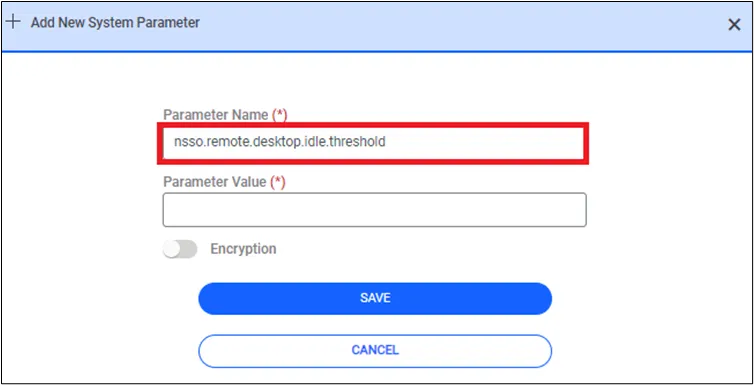
If the nsso.remote.desktop.idle.threshold property is not set in the System Config Man, the default value is set at 30000ms (30seconds).