Approval Integration
To configure SMS services for Approval Management:
1) Navigate to Administration > System Configuration Management > Integrations > Approval Management
Click the + Add Sms Integration button.
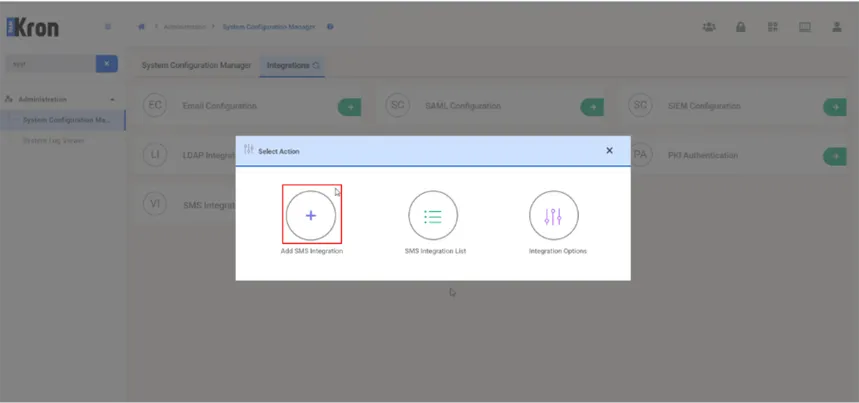
2) Select Approval Integration from the parameter type dropdown list.

3) For the HTTP SMS Channel type, fill all the required fields in, and then click the Save button.

SMS Channel: Specifies the channel used to send SMS notifications.
URL: Specifies the URL of the SMS service provider to which the request is sent.
Headers: Specifies the HTTP headers included in the SMS request.
Method: Specifies the HTTP method used to send the SMS request, such as GET or POST.
Encoding: Specifies the character encoding used for the SMS request, such as UTF-8.
Delimiter: Specifies the delimiter used to separate values in the SMS request.
Connection: Specifies the connection settings required to communicate with the SMS service provider.
Command: Specifies the command and request content used to send the SMS notification.
Extra Notification: Specifies additional notification settings for the SMS configuration.